
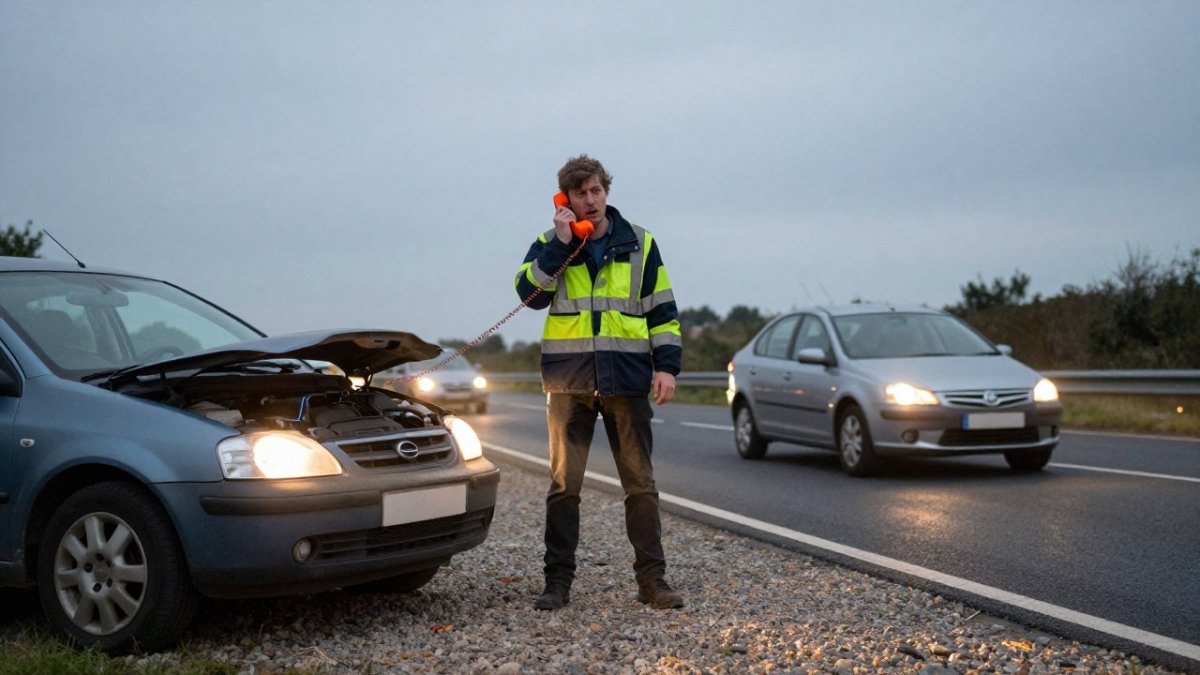
7 Steps to Use Emergency Telephones on Smart Motorways
Last Updated: November 16, 2026
Quick Summary
To use emergency telephones on smart motorways, stop as far left as you can in a refuge area, switch on your hazard lights, and get everyone behind the safety barrier. Walk to the orange SOS phone along the verge, press the button, and give the control room your direction, location, vehicle and occupant details. Stay behind the barrier until told it is safe to rejoin.
- Emergency telephones sit in or beside every refuge area and connect you free to the motorway control centre.
- Leave the vehicle from the left, take passengers and pets, and stand behind the safety barrier, never between car and carriageway.
- Give the operator direction of travel, nearest marker post or refuge area number, vehicle details and number of occupants.
- If the phone is damaged or unreachable, stay behind the barrier and call 999 or your breakdown provider by mobile.
- Never cross live lanes on foot to reach a phone, and never drive under a red X.
Table of Contents
- What to Do If You Break Down on a Smart Motorway
- Reaching the Smart Motorway Emergency Refuge Area
- How to Use Emergency Telephones: Seven Steps
- Step 1: Stop Safely and Switch On Your Hazard Warning Lights
- Step 2: Exit From the Left and Stand Behind the Safety Barrier
- Step 3: Walk to the Telephone and Follow the Arrows
- Step 4: Press the Button and Wait for the Control Room
- Step 5: Give the Operator Your Location and Details
- Step 6: Stay Behind the Barrier Until Advice Arrives
- Step 7: Return to the Carriageway Only When Told To
- What to Do If You Cannot Reach an Emergency Telephone
- Using a Mobile Phone on a Motorway Breakdown
- How SOS Phones Differ From Mobile Calls and What Happens Next
- Adding a Warning Beacon to Your Breakdown Kit
- Frequently Asked Questions
What to Do If You Break Down on a Smart Motorway
A smart motorway breakdown starts with one calm decision: get off the live lane.
Here is the short version. Move left, stop in a refuge area if you can reach one, switch on your hazard lights, and get behind the barrier.
The stakes are simple. A live lane on an all-lane running section has no hard shoulder to protect you. Traffic keeps coming at motorway speed.
Reaching the Smart Motorway Emergency Refuge Area
An emergency refuge area, usually shortened to ERA, is a marked bay set back from the carriageway where you can stop in relative safety.
If your vehicle still moves, aim for the nearest refuge area. Use your mirrors, indicate left, and roll into the bay.
Distance markers help. Small marker posts on the verge show how far you are from the next ERA.
Watch out: some drivers stop in a live lane to check a warning light.
How to Use Emergency Telephones: Seven Steps
Emergency telephones sit in or beside every refuge area. They connect you straight to the motorway control centre, and the call is free. For a deeper companion guide, read how to use motorway emergency phones correctly.
Step 1: Stop Safely and Switch On Your Hazard Warning Lights
Stop as far left as you can, in the refuge area if possible. Switch on your hazard warning lights straight away. They warn traffic behind you while you get out. If you are already in a live lane and the vehicle will not move, do not step out into traffic to inspect the car; hazards on, seatbelt on, and call from the vehicle.
Step 2: Exit From the Left and Stand Behind the Safety Barrier
Leave the vehicle from the left-hand side, away from traffic. Take passengers with you, including children and pets. For a detailed walkthrough of opening a door beside live traffic, read our guide on how to safely exit a vehicle on the motorway.
Watch out: a common mistake is to leave a passenger in the car while you walk to the phone.
Step 3: Walk to the Telephone and Follow the Arrows
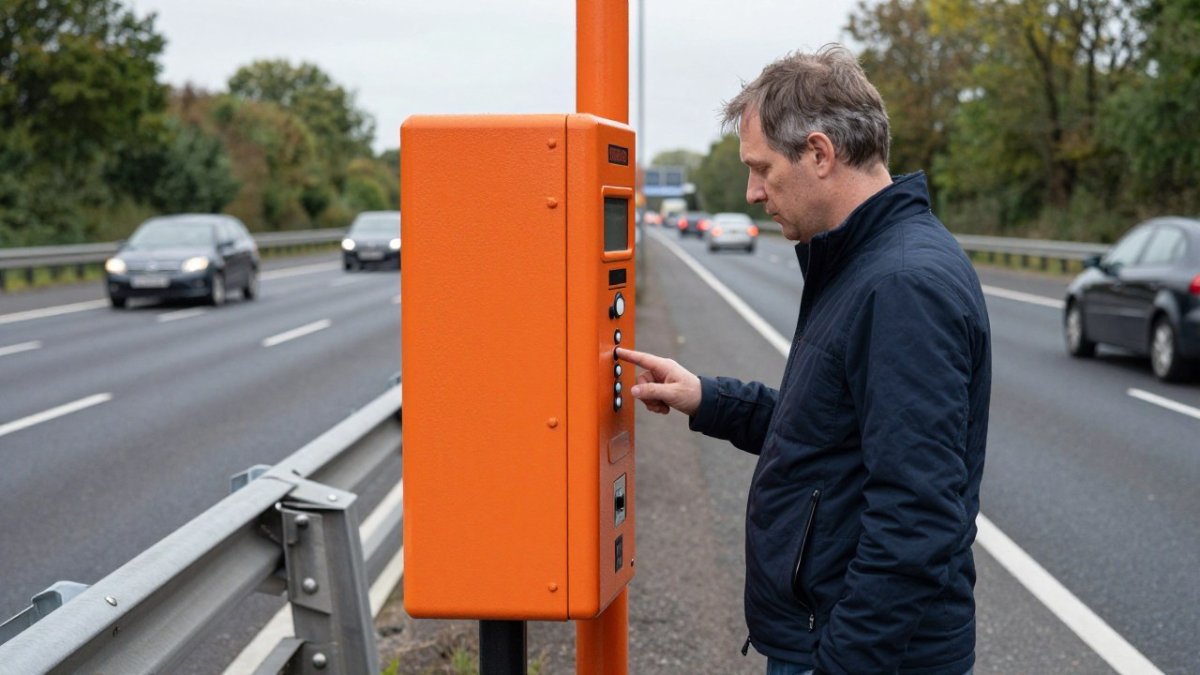
Walk to the roadside telephone along the verge, behind the barrier. Follow the arrows on the posts to find the nearest phone. Keep facing oncoming traffic so you can see what is happening. The phone is normally a bright orange unit on a short post, sometimes set into the refuge area itself and sometimes a few metres along the verge.
Step 4: Press the Button and Wait for the Control Room
Press the button on the phone. It dials the control room directly. Wait for an answer and stay on the line. The operator can see which phone you are using, so they already know roughly where you are. For a full picture of what happens after you hang up, see our step-by-step breakdown guide on what to do when your car breaks down on a smart motorway.
Step 5: Give the Operator Your Location and Details
The operator will lead the conversation, but have these details ready so the call is short. Give them in this order:
- Direction of travel: which carriageway you were on and which way you were heading.
- Location: the nearest marker post number, the refuge area number if one is displayed, or the last location sign you passed. If you are unsure, describe the nearest junction or landmark.
- Vehicle: make, model, colour, and whether it is in the refuge area or still in a live lane.
Speak clearly and answer the operator’s questions rather than volunteering a long story. The control room is logging the incident as you speak, and the details you give determine what they send and which signs they set.
Step 6: Stay Behind the Barrier Until Advice Arrives
Return to your passengers and wait behind the barrier. Do not stand near the car. Do not try repairs on the carriageway. The control room may set overhead signs to protect you. Keep the phone handset on the cradle if the unit has one, and stay where the operator told you to wait. If the operator asks you to move further from the vehicle, do so.
Step 7: Return to the Carriageway Only When Told To
Wait for roadside assistance or the operator’s instruction before you rejoin the carriageway. If the lane has a red X, never drive under it. If the operator tells you the lane has been closed and it is safe to move, rejoin from the refuge area with your indicators on and build up speed on the verge only if instructed, do not merge slowly into live traffic.
| Step | Action | Time |
|---|---|---|
| 1 | Stop left, hazard lights on | Immediate |
| 2 | Exit left, stand behind barrier | Under 1 minute |
| 3 | Walk to phone, follow arrows | 1-2 minutes |
| 4 | Press button, wait for control room | Seconds |
| 5 | Report location and details | 1-2 minutes |
| 6 | Wait behind barrier | Until help arrives |
| 7 | Rejoin only when told | On instruction |
If you cannot reach the phone, or the unit is out of service, the next section sets out the fallback route.
What to Do If You Cannot Reach an Emergency Telephone
Sometimes the phone is too far, damaged, out of service, or physically unreachable. The fallback is not simply “use your mobile”, it is a short decision path so you do not step into a live lane to solve the problem.
First, decide whether you can leave the vehicle safely
If you are in a refuge area and can walk behind the barrier to a working phone, do that. If the phone is damaged or dead, stay behind the barrier and use your mobile.
Watch out: the most dangerous choice in this situation is to walk along the carriageway to reach a phone on the other side.
If you can leave the vehicle but the phone is unusable
Stay behind the barrier and call 999 if anyone is in danger, if the vehicle is stopped in a live lane, or if there is a risk of fire or a collision. Otherwise call your breakdown provider.
A mobile call does not automatically tell the control room where you are, so the location detail matters more, not less.
If you cannot leave the vehicle
Disabled drivers, passengers with mobility needs, and anyone trapped by traffic should stay in the vehicle with seatbelts on and hazard warning lights running. Call 999 from the vehicle and tell the operator you are in a live lane and cannot exit. The control room can set overhead signs, including a red X, and send traffic officers.
If the phone is out of service
Report the faulty unit to the control room when you do get through by mobile, giving the phone’s location or refuge area number. That helps the operator log the fault and warn other drivers. Do not assume a silent phone means the control room cannot hear you, stay on the line briefly in case the connection is being established, then move to the mobile fallback.
What happens next
Whichever route you use, the control room response is similar: they may close the lane with a red X, send traffic officers, and alert the emergency services if needed. Wait behind the barrier, or stay belted in if you cannot leave, until you are told it is safe to move. Do not rejoin the carriageway until the operator or roadside assistance confirms the lane is protected.
Using a Mobile Phone on a Motorway Breakdown
Your mobile works as a backup, not a replacement. The SOS phone tells the control room exactly where you are. A mobile call does not.
When you ring, give the same details: direction of travel, marker post, and vehicle problem. For a full script of what to say, see our guide on how to call for help when broken down.
Keep your phone charged before every journey. A flat battery removes your backup option completely.
How SOS Phones Differ From Mobile Calls and What Happens Next
An SOS phone is a direct line to the motorway control centre. It is free to use, needs no signal, and pinpoints your location automatically.
After the call, the operator may set overhead signs, including a red X to close the lane. A red X means the lane is closed (Red X means don’t drive in that lane).
For the official rules on red X signs and lane closures, see GOV.UK guidance on red X signs.
Adding a Warning Beacon to Your Breakdown Kit
A warning beacon can add visibility for approaching traffic while you wait for help.
Consider placing a high-visibility warning beacon on or behind the vehicle as soon as you stop, where it is safe to do so. For help choosing the right kit, read our guide on choosing safety gear for car emergencies.
Roadflash offers multi-award-winning early warning systems, including emergency beacons with GPS and geolocation and high-visibility lighting. Check the Roadflash website for current product details and specifications.
A common mistake is buying a basic warning triangle and calling it done.
A breakdown on a smart motorway gives you seconds to make good choices.
Frequently Asked Questions
How do you use an emergency telephone on a smart motorway?
Stop in the nearest emergency refuge area or on the hard shoulder, switch on your hazard warning lights, exit from the left and stand behind the safety barrier. Walk to the orange SOS phone following the arrows on the marker posts, press the button, and wait for the motorway control centre to answer. Give your location using the marker post or location sign, describe the fault, and follow the operator’s advice. Stay behind the barrier until help arrives.
Can I use my mobile phone instead of a motorway emergency telephone?
Yes, if you can give a precise location. Mobile calls do not connect you to the motorway control room automatically, so you must describe where you are. Use the marker post number, the nearest refuge area sign or a location sign. Emergency telephones remain the better first choice because the operator can pinpoint you immediately, set overhead signs and dispatch assistance. Keep your phone charged as a backup for when a phone is damaged or unreachable.
What information should I give when using a motorway emergency phone?
Give the operator your direction of travel, the motorway number, and the location from the marker post, location sign or nearest refuge area. Describe the vehicle fault, whether anyone is injured, how many people are with you, and whether you are in a live lane. Mention any children, pets or vulnerable passengers. The more precise your report, the faster the control room can close a lane, set a red X and send the right assistance.
What should I do if I cannot reach an emergency telephone?
Stay behind the safety barrier and call 999 from your mobile, or contact your breakdown provider if there is no immediate danger. Give the marker post number and direction of travel so the control room can find you. If you cannot leave the vehicle safely, keep your seatbelt on, switch on hazard warning lights, and call 999 immediately. Do not walk along a live carriageway to reach a phone further away.
