
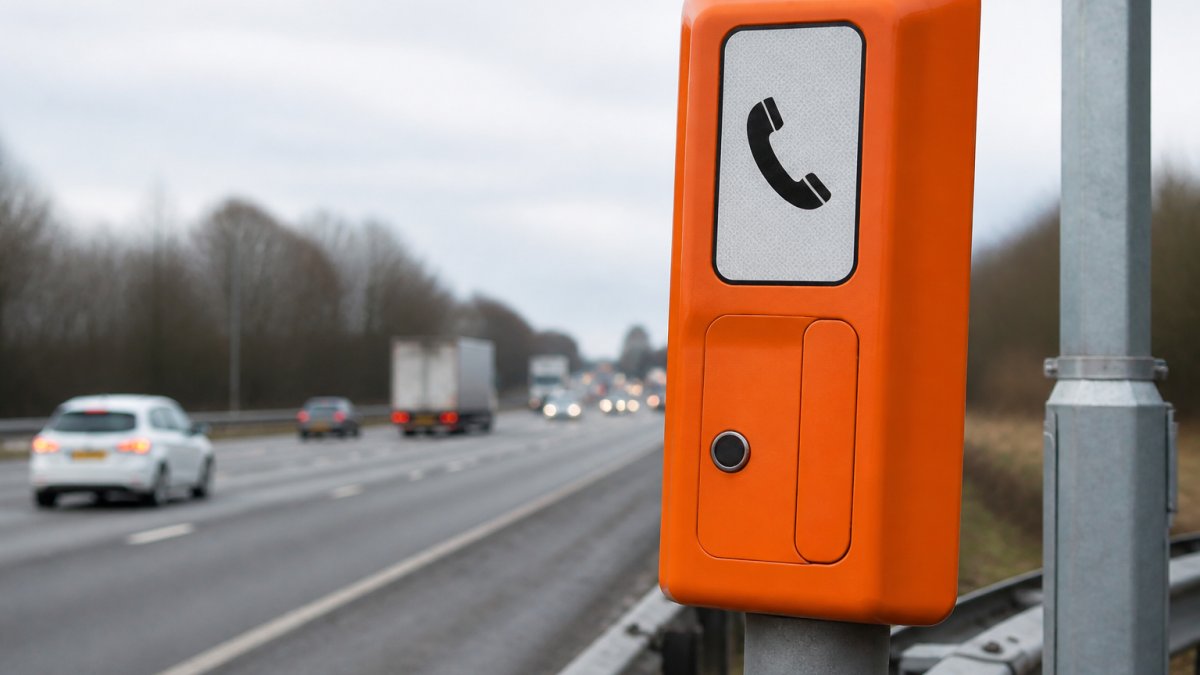
How to Use Motorway Emergency Phones Correctly
Table of Contents
- What to Do If Your Car Breaks Down on the Motorway
- How to Use Marker Posts to Identify Your Location
- Using Mobile Phones on the Motorway During a Breakdown
- Finding and Using Motorway Emergency Phones Correctly
- Emergency Areas vs Hard Shoulders: Where to Find Motorway Emergency Phones
- What to Do If the Emergency Phone Is Broken or Unreachable
- Frequently Asked Questions
Last Updated: September 27, 2026
What to Do If Your Car Breaks Down on the Motorway
Knowing how to use motorway emergency phones correctly starts with one rule: get yourself and your passengers to safety before you think about the vehicle. Every year, drivers put themselves at risk by staying in broken-down cars on live carriageways. The safest option is always to leave the vehicle and stand behind the safety barrier, well away from traffic flow.
Here is what to do, in order:
- Pull onto the hard shoulder or into an emergency area if you can
- Switch on your hazard lights immediately
- Exit through the doors facing away from traffic
- Leave passengers and pets behind the safety barrier
- Call for help using a motorway emergency phone or your mobile
- Never attempt repairs on the hard shoulder
This guide covers the full breakdown procedure, from the moment your vehicle loses power to the point roadside assistance arrives. Roadflash builds high-visibility warning equipment for exactly this situation, designed to keep drivers safe when a car stops on a busy motorway.
The most common mistake is staying inside the vehicle. A stationary car on the hard shoulder is a hazard, and other drivers misjudge its position far more often than you would expect. Your priority is distance and visibility, not comfort.
How to Use Marker Posts to Identify Your Location
Marker posts are the fastest way to tell emergency services exactly where you are, and they are the one piece of roadside infrastructure most drivers have never learned to read. These small posts sit at the edge of the hard shoulder, spaced at regular intervals along the motorway. Each one carries a unique code that pinpoints your position to within a short distance.
Here is how to read them:
- Look for a small post with a yellow or orange reflective band
- Note the letter and numbers printed on it
- Read the driver location signs nearby for the road and direction
- Pass both details to the operator when you call
The number on the post tells the operator which section of motorway you are in. The letter usually indicates the carriageway direction. Together, they remove any guesswork from location identification.
Decoding Driver Location Signs
Driver location signs are the larger blue-backed plates mounted on posts or overbridges. They carry three pieces of information, and reading them in the right order matters:
- The road identifier, for example, M6, A1(M), or M25
- The carriageway letter, A or B for the two directions of travel, or J, K, L, M on some motorways to distinguish carriageways and slip roads
- The distance marker, a number in kilometres from a fixed datum point on that road
So a sign reading M6 B 42.5 tells the operator you are on the M6, on the B carriageway, 42.5 kilometres from the start of the distance count.
Take a photo of the marker post and any driver location sign with your phone before you call. If the line is poor or you are flustered, you can read the code straight from the screen instead of trying to remember it.
If you cannot find a marker post, for example, because you have stopped in an emergency area set back from the carriageway, look for the blue driver location sign on the nearest overbridge or verge. Failing that, describe the junction numbers you passed most recently and the direction you were travelling. The operator can work from that.
Using Mobile Phones on the Motorway During a Breakdown
Using a mobile phone during a motorway breakdown is fine, and often faster than walking to an emergency phone. The law allows you to call for help when stationary, so there is no penalty for dialling 999 or your breakdown provider from the hard shoulder.
A few practical habits make mobile calls work better:
- Check your signal before you leave the car
- Keep the call short and give your location first
- Save your breakdown provider’s number in advance
- Carry a charging cable and a power bank
Finding and Using Motorway Emergency Phones Correctly
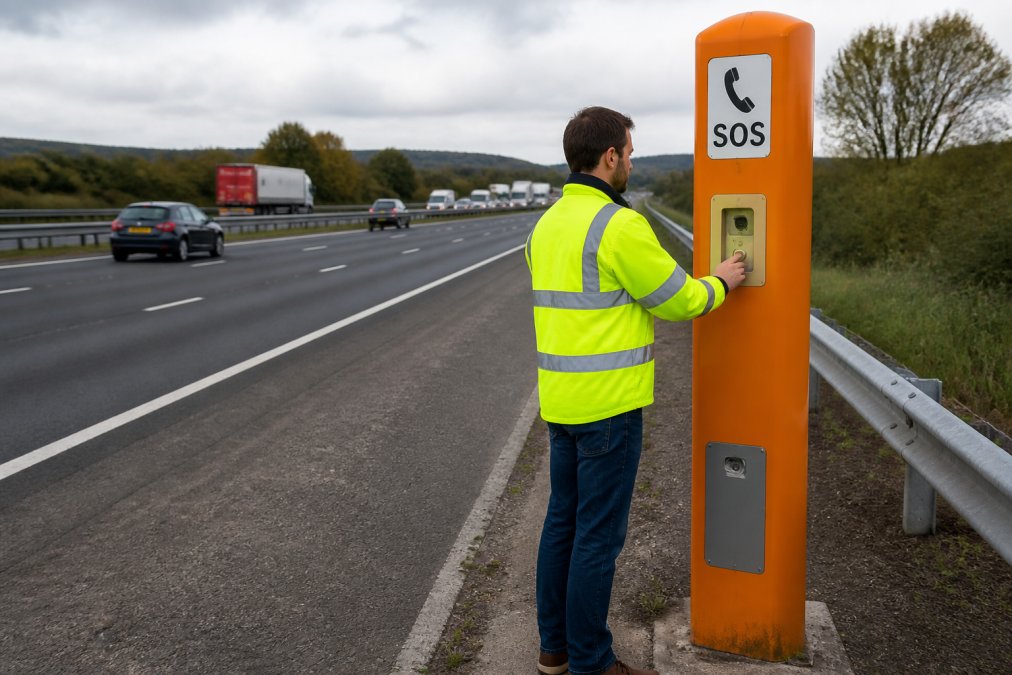
Motorway emergency phones sit at intervals along the hard shoulder, usually close to marker posts and always within sight of one. They are free to use, connect straight to the operator, and give your exact location automatically. That last point is the reason they still matter in a world of mobile phones: the operator knows which phone you are on the moment you lift the receiver, even if you cannot read a single sign.
Step-by-Step: What Happens When You Pick Up the Receiver
Picking up the receiver connects you directly to a trained operator. There is no dialling, no menu, and no cost. Here is the sequence:
- Lift the receiver and wait for the operator to answer
- State that you have broken down and need assistance
- Give the marker post code or driver location sign details
- Describe your vehicle, colour, and registration
- Say how many people are with you and whether anyone is injured
- Confirm which direction you were travelling
- Follow the operator’s instructions and stay on the line until told to hang up
The emergency phone identifies your location automatically, so even if you cannot read a marker post, the operator will know where you are.
Using an Emergency Phone If You Have Limited Mobility
Most breakdown guides assume you can walk several hundred metres along a hard shoulder. If you use a wheelchair, walk with a stick or frame, or are travelling with someone who does, that assumption fails, and the standard advice can put you in more danger than staying put.
A practical approach:
- Stay in or beside the vehicle if it is safe to do so. A locked car with hazard lights on and seatbelts fastened is safer than a slow walk along a live carriageway for someone with limited mobility.
- Call 999 or your breakdown provider from the vehicle. Give your exact location using the marker post or driver location sign, and state clearly that you have access needs.
- Tell the operator what you need. Say whether you use a wheelchair, whether you can transfer to another vehicle, and whether anyone in the car can walk to a phone on your behalf.
- If a passenger can reach the phone, send them. They should take the marker post code with them so the operator can match the two calls.
- Do not attempt to push a wheelchair along the hard shoulder. The surface is uneven, the gap to traffic is small, and the risk of a fall is high.
If the Phone Is Broken, Dead, or Missing
A broken emergency phone is rare, but it happens. If the receiver is dead, damaged, or missing, do not wait beside it hoping someone will stop.
Your options, in order:
- Try your mobile phone again from behind the barrier
- Walk to the next emergency phone if it is close and safe to reach
- Flag down a highways officer or recovery vehicle if one passes
- Wait behind the barrier and call 999 when you get a signal
Emergency Areas vs Hard Shoulders: Where to Find Motorway Emergency Phones
Emergency areas are purpose-built refuges on smart motorways, and they are the safest place to stop. These lay-bys are marked with blue signs and a distinctive orange surfacing, and they include an emergency phone as standard. On a smart motorway, an emergency area replaces the hard shoulder as your first choice.
| Feature | Emergency Area | Hard Shoulder |
|---|---|---|
| Signage | Blue sign, orange road surface | No dedicated sign |
| Distance from traffic | Set back from live lanes | Directly beside live lanes |
| Emergency phone | Always provided | Provided at intervals |
| Best for | Smart motorways | Older motorways |
| Safety level | Higher | Lower |
Never stop on a live lane, even for a moment. If your car dies in a running lane, exit on the side away from traffic and move to the barrier immediately. Do not try to push the vehicle.
What to Do If the Emergency Phone Is Broken or Unreachable
A broken emergency phone is rare, but it happens. If the receiver is dead, damaged, or missing, do not wait beside it hoping someone will stop.
Your options, in order:
- Try your mobile phone again from behind the barrier
- Walk to the next emergency phone if it is close and safe to reach
- Flag down a highways officer or recovery vehicle if one passes
- Wait behind the barrier and call 999 when you get a signal
Frequently Asked Questions
How should you use the emergency telephone on a motorway?
Pull onto the hard shoulder or into an emergency area, switch on your hazard lights, and exit the vehicle through the left-hand door. Walk behind the safety barrier to the nearest orange SOS phone. Press the button, wait for the operator, and give your location using the marker post or driver location sign. Stay on the line until the operator confirms help is on the way.
When is it appropriate to use an SOS phone on a motorway?
Use an SOS phone when your vehicle has broken down, you have been in a collision, or you face an immediate danger that prevents you from continuing your journey. It is not for routine calls or traffic updates. If you can safely reach a phone, it connects you directly to the regional control centre, which can send the right assistance and warn other traffic.
What information should you provide when using an emergency phone?
Give the operator your exact location using the marker post number, driver location sign, or emergency area reference. State what has happened (breakdown, collision, medical emergency), how many people are with you, and whether anyone is injured. Mention if you are in a vulnerable position, such as in a live lane. The operator will then advise you on what to do next and arrange recovery.
Are emergency phones still necessary with mobile phones available?
Yes. Mobile signals can be unreliable on motorways, and a phone battery may be dead. Emergency phones connect directly to the control centre, which automatically knows your location from the phone you are using. This removes any confusion about where you are. They are also accessible for disabled drivers and work even if you have no mobile signal or credit.