
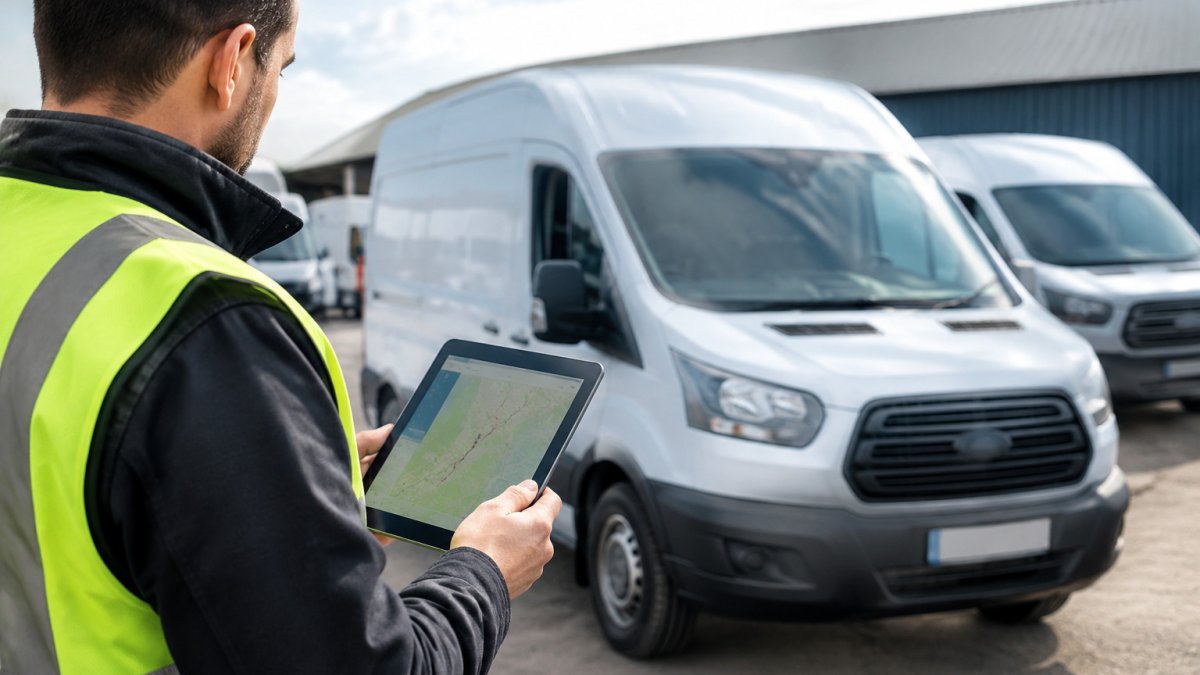
Fleet Tracking Software for Small Businesses: How to Choose
Last Updated: November 16, 2026
Quick Summary
Fleet tracking software for small businesses shows where every vehicle is in real time from a single dashboard. For a fleet of around 15 vehicles, start with live location and trip history, then add features like alerts and mileage records as real needs appear.
- Start with live location and trip history before buying extra platform features.
- Test live tracking reliability first, since slow or dropped positions undermine everything else.
- Ask for a trial on two or three of your own vehicles before committing.
- Check how the system behaves when mobile signal drops, including in rural areas and underground car parks.
- Read the contract’s renewal and exit terms before you sign.
Table of Contents
- What Fleet Tracking Software Does for a Small Fleet
- How GPS Vehicle Tracking for Business Actually Works
- Fleet Management Software Features That Matter Most
- How Much Fleet Tracking Software Costs in Practice
- Comparing Fleet Tracking Software Options Side by Side
- How to Choose the Right System for Your Fleet Size
- Booking a Demo and Getting Your First Vehicles Live
- Frequently Asked Questions
What Fleet Tracking Software Does for a Small Fleet
Fleet tracking software for small businesses shows you where every van and car is, in real time, from a single dashboard. At Roadflash, we see the same question from drivers and managers alike: what does this actually change day to day? The answer is fewer surprises, shorter detours and a clearer picture of who is where.
For a fleet of around 15 vehicles, the practical benefits are usually these:
- Live location of each vehicle on a map
- Trip history you can search when a customer asks where a job was done
- Alerts when a vehicle leaves a set area or moves outside working hours
- Mileage records that help with claims and tax paperwork
A common mistake is buying more platform than the fleet needs. Start with live location and trip history, then add features as real problems appear.
How GPS Vehicle Tracking for Business Actually Works
GPS vehicle tracking uses a small device fitted to or plugged into the vehicle. The device reads its position from satellite signals and sends it over the mobile network to a server. The software then draws that position on a map.
Coverage matters more than many buyers expect. Tracking depends on a working mobile signal, so check how the system behaves in rural areas or underground car parks. Ask suppliers what happens to data when the signal drops.
Installation is the other practical detail. Decide which installation type suits your vehicles before comparing prices.
Fleet Management Software Features That Matter Most
Not every feature earns its place in a small fleet. Focus on the ones that solve a problem you already have:
- Live tracking and maps: the core feature, and the one to test first
- Driver behaviour reports: harsh braking, speeding and idling, useful for coaching
- Geofencing and alerts: notifications when vehicles enter or leave a site
- Route history: evidence for customer queries and disputes
- Maintenance reminders: service dates based on mileage or time
How Much Fleet Tracking Software Costs in Practice
Pricing depends on the number of vehicles, hardware type, contract length and the features you choose. For current prices or a quote, visit the Roadflash website.
For a written quote, visit the Roadflash website or contact the business directly.
Comparing Fleet Tracking Software Options Side by Side
A checklist is only useful if you know which rows matter most and what a good answer looks like. The method below weights the criteria by what actually affects a small fleet, and gives you a way to score each supplier on the same scale.
How to weight the criteria
For most small fleets, the practical weighting looks like this:
- Live tracking reliability and update frequency, highest weight. If positions lag or drop out, nothing else matters. Test this first.
- Total cost over the contract, high weight. Use the per-vehicle-per-month method from the pricing section, not the headline subscription.
- Ease of use for drivers and managers, high weight. A system your team will not open is a system you will not renew.
- Support and onboarding, medium weight. Response times and whether training is included matter more in the first month than later.
- Reporting and exports, medium weight. You need trip history and mileage you can export, not a dashboard you cannot get data out of.
- Integrations, low weight for most small fleets. Only score this highly if you already run job-management or accounting software you need to connect.
What evidence to ask for
Do not score a supplier on the sales demo alone. Ask for:
- A trial or pilot on two or three of your own vehicles, with a defined test period.
- A sample trip history export in the format you would actually receive.
- Written confirmation of update frequency and what happens when a vehicle loses mobile signal.
- The contract, including renewal and exit terms, before you commit.
- A named support contact and stated response times.
A simple scoring table
| Criterion | Weight | What a strong answer looks like | Score (1-5) |
|---|---|---|---|
| Live tracking | High | Positions refresh within seconds; clear behaviour in poor-signal areas | |
| Total cost | High | Itemised quote; competitive per-vehicle-per-month figure over the term | |
| Ease of use | High | Driver app and manager dashboard both usable without training | |
| Support | Medium | Named contact, stated response times, onboarding included | |
| Reporting | Medium | Trip history and mileage exportable in a usable format | |
| Integrations | Low | Only relevant if you have existing software to connect |
Multiply each score by its weight, add the totals, and compare. The point is not the exact number but that every supplier is judged on the same evidence.
Watch out: a supplier that will not offer a pilot, will not itemise pricing, or will not put exit terms in writing is telling you something about how the relationship will run after signing.
Best for: fleets that need dependable live location and simple reporting, and that are willing to run a short pilot before committing.
Skip if: you only need occasional mileage records, where a simpler logbook app may be enough.
Consider testing with a small number of vehicles before rolling out across the fleet.
How to Choose the Right System for Your Fleet Size
For a small fleet, the right system is usually the simplest one that covers live location, trip history and alerts. Larger fleets gain more from advanced reporting and integrations, which a 15-vehicle business may never use.
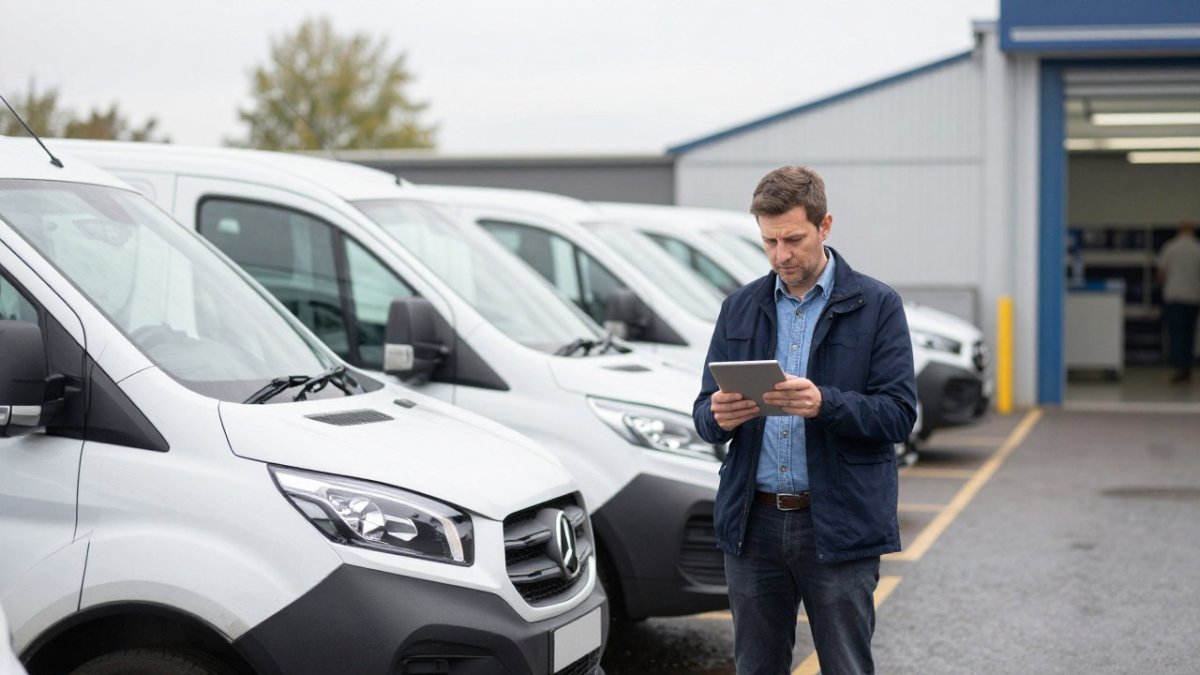
Ask how any system performs in the areas your drivers actually work, and read the data terms closely before committing.
!A small business owner reviewing a tablet beside a row of parked white vans in a UK depot yard on an overcast morning
Booking a Demo and Getting Your First Vehicles Live
For more on what drivers and managers gain day to day, read our guide on benefits of real time location tracking for drivers, and for how the underlying technology works, see how GPS breakdown beacons work.
Frequently Asked Questions
Is fleet tracking software worth it for a small business?
It can be, particularly where vehicles are used for deliveries, trades or sales visits and the owner needs to know where they are and how they are being driven. The main returns usually come from fewer unplanned journeys, better route planning and clearer records of mileage and driver behaviour. Before committing, estimate how much time and fuel you spend on tracking manually today and compare that with the subscription and hardware costs. For current prices or a quote, visit the Roadflash website.
How many vehicles do you need before fleet tracking software makes sense?
There is no fixed threshold. Even two or three vehicles can benefit if they are on the road daily and staff need live location updates or trip records. Fleets of around 15 vehicles, as many small operators run, are a common point where a centralised dashboard, driver reporting and alerts start to save noticeable admin time.
What is the difference between fleet tracking and fleet management software?
Fleet tracking focuses on knowing where vehicles are and how they are moving, using GPS data, live maps and trip history. Fleet management software goes further, adding maintenance scheduling, fuel management, driver records and reporting. Many suppliers bundle both, so for a small business the practical question is which additional modules you will actually use and whether you are paying for them.
Can fleet tracking software help reduce fuel costs?
It can help indirectly. Trip history and route data show unnecessary detours, idling and excessive speeding, which are common sources of wasted fuel. Using that information to adjust routes and coach drivers is what produces savings, rather than the software alone. Measure your fuel spend for a few months before and after installation so you can judge whether the reduction justifies the cost.
