
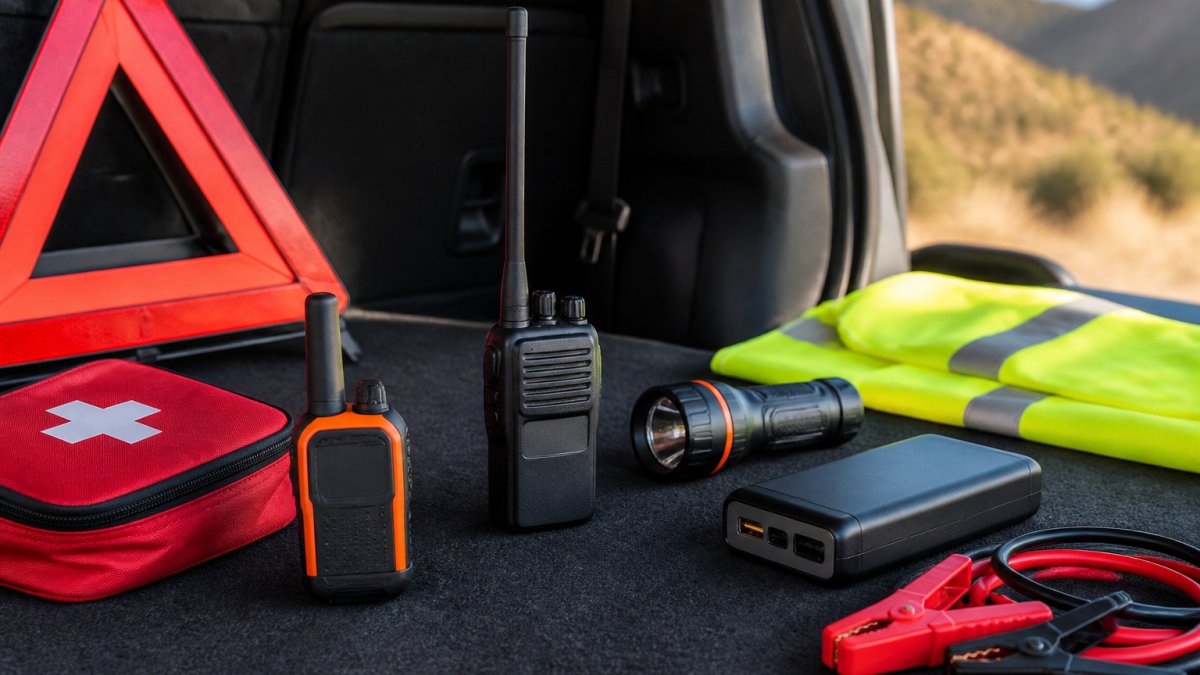
Emergency Communication Devices for Long-Distance Road Trips
Table of Contents
- Why Emergency Communication Devices Matter on Long-Distance Road Trips
- Satellite Messenger for Road Trips: Two-Way Messaging Beyond Cellular Coverage
- Satellite Phone for Emergencies: Direct Voice Communication When You Need It
- Personal Locator Beacon for Road Trips: Distress Alert and Search-and-Rescue Response
- Emergency Communication Device Comparison Table
- Building a Road Trip Emergency Communication Plan
- Device Durability, Battery Life, and Vehicle Integration
- Cellular Dead Zones and Coverage Planning for Your Route
- Frequently Asked Questions
Last Updated: October 20, 2026
Why Emergency Communication Devices Matter on Long-Distance Road Trips
Breakdowns happen. You’re stationary on a busy motorway, your mobile signal cuts out, and you may be disoriented or injured.
This is where emergency communication devices become non-negotiable.
Emergency communication devices for long distance road trips fall into three categories: satellite messengers for two-way messaging, satellite phones for voice calls, and personal locator beacons for one-way distress alerts.
The key difference between these devices and your smartphone: they work where your phone doesn’t. Motorways cross dead zones and remote routes have no cellular coverage for miles.
Satellite Messenger for Road Trips: Two-Way Messaging Beyond Cellular Coverage
A satellite messenger is a dedicated two-way device that works anywhere on Earth, sending and receiving text messages via satellite networks rather than voice.
Satellite messengers relay your message via a passing satellite and ground stations to the recipient’s phone or email, with replies following the same path. The process takes seconds to minutes depending on satellite availability.
How satellite messengers work on motorways and remote routes
On a motorway, modern messengers maintain contact through car windows, though performance improves on the dashboard or near the windscreen.
The device requires a subscription: a monthly or annual fee for a set number of messages, typically 10 to 25 per month, with unlimited options at higher cost.
Most satellite messengers run 24 to 48 hours per charge and top up via USB from your vehicle’s power outlet or a portable battery pack.
Message delivery, check-in capabilities, and interactive SOS
The real value emerges with the check-in feature. Programme automatic check-ins to nominated contacts at set intervals, every 4 hours, for example.
An interactive SOS sends a distress alert with your GPS coordinates.
The Garmin inReach Messenger is a common choice for road-trippers, offering messaging, check-in automation, and SOS capability.
The ZOLEO Satellite Communicator is another established option, cited by OutdoorGearLab as a reliable alternative.
Before a road trip, test your satellite messenger in your vehicle at home. Activate it, send a test message, and confirm it arrives. This confirms the device works in your car and that you understand the interface before you actually need it.
Satellite Phone for Emergencies: Direct Voice Communication When You Need It
A satellite phone lets you make and receive voice calls from anywhere on Earth. Unlike a messenger, it gives you real-time conversation with emergency services, roadside assistance, or family.
Satellite phones are larger and heavier than messengers, held to your ear like a traditional phone, though some fold for storage. Battery life is typically 4 to 8 hours of talk time, or several days on standby.
Voice calls versus messaging: which suits road-trip emergencies
When you’re injured and panicked after a collision, typing is harder than speaking. A satellite phone lets you describe your situation in real time, answer questions about injuries, and receive instructions.
Satellite phones connect directly to emergency services: dial 999 (or the local equivalent) and the call routes through the satellite network to the nearest control centre, with your GPS location included automatically.
The trade-off is cost: calls typically run £1 to £3 per minute depending on provider and tier.
Coverage, battery life, and activation in remote areas
Satellite phones use the same orbital networks as messengers, so coverage is global, moorland, mountains, coastal roads, anywhere with a line of sight to a satellite. Battery life is the limiting factor: charge regularly on multi-day journeys.
Activation is straightforward: power on, wait 10 to 30 seconds to acquire a satellite signal, and dial. No network selection is required, the device connects automatically.
Satellite phones do not work indoors or in vehicles with metal roofs. If you’re trapped in a vehicle after a collision, you may need to exit the vehicle to make a call. This is a genuine limitation in emergency scenarios. Test your device’s performance in your specific vehicle before relying on it.
Personal Locator Beacon for Road Trips: Distress Alert and Search-and-Rescue Response
A personal locator beacon (PLB) is a one-way emergency device. Press a button or pull a pin and it broadcasts your GPS coordinates to search-and-rescue authorities.
PLBs are designed for life-threatening emergencies. Once activated, satellites receive your signal, relay it to rescue coordination centres, and dispatch the nearest rescue team, typically 10 to 30 minutes from activation to notification.
How PLBs trigger emergency response and GPS coordinates
A PLB broadcasts on the international distress frequency. Satellites in the COSPAS-SARSAT network detect the signal and relay your position to a rescue coordination centre, which contacts local emergency services to dispatch help (406 MHz beacons privacy information notice).
Your registration information, name, emergency contact, medical history, is transmitted with the distress signal, so rescue teams know who they’re looking for and any relevant conditions before they arrive.
PLBs are small and rugged, typically the size of a large torch, under 300 grams, built to survive rain, snow, or extreme heat. Battery life is measured in days of standby or hours of continuous transmission.
When a PLB is your best option for serious emergencies
A PLB suits genuinely remote terrain where no other help is available. On a motorway with regular traffic and nearby mobile coverage it’s overkill; on a mountain pass, in wilderness, or across regions with no cellular or messenger coverage, it’s your lifeline.
The limitation: once activated, you can’t communicate with rescue services, you can’t say you’re injured, need medical help, or that the situation has changed.
Emergency Communication Device Comparison Table
| Device Type | Best For | Communication | Coverage | Activation Time | Battery Life |
|---|---|---|---|---|---|
| Satellite Messenger | Check-ins and two-way messaging | Text messages, interactive SOS | Global | Instant | 24-48 hours |
| Satellite Phone | Voice calls to emergency services | Voice calls | Global | 10-30 seconds | 4-8 hours talk time |
| Personal Locator Beacon | Life-threatening emergencies in remote areas | One-way distress signal | Global | Instant | Days standby |
Building a Road Trip Emergency Communication Plan
A single device isn’t enough. The most resilient approach layers multiple tools, combines them with route planning, and briefs all passengers before departure.
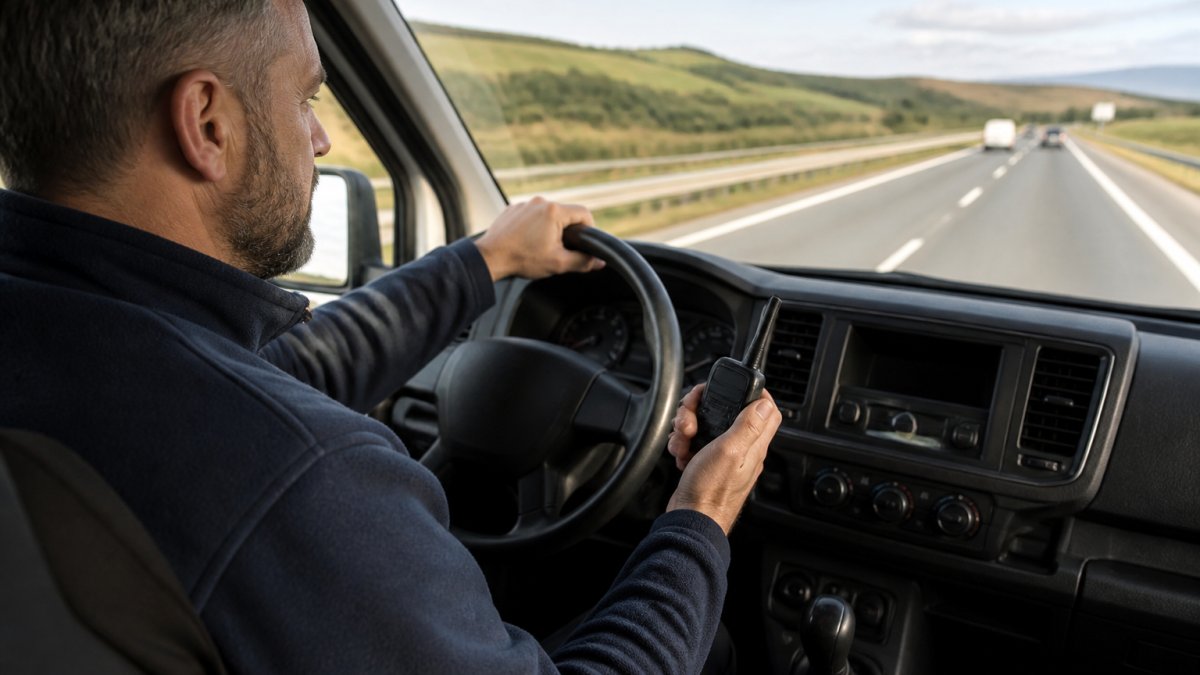
Start by identifying the coverage gaps on your planned route. Use an online coverage map, Ofcom’s mobile coverage checker lets you enter postcodes and see which networks have signal in each area.
Next, choose devices based on route and risk. For a motorway journey with regular traffic and mobile coverage, a satellite messenger suffices.
Layered backup: combining devices, coverage maps, and emergency contacts
Before departure, brief all passengers: which device you carry, how it works, and what to do in an accident.
Programme your satellite messenger with emergency contacts and automated check-ins, every 2 hours on a 10-hour journey.
Leave a printed copy of your route and expected arrival time with someone at home.
Store your satellite device within reach of the driver’s seat, a glovebox or centre console.
Pre-trip setup, device activation, and passenger communication protocols
Test your device before departure: send a test message, confirm it arrives, and practise activating SOS. Ten minutes eliminates confusion in a real emergency.
Charge all devices fully before leaving, and bring a USB power bank and car charger. On multi-day journeys, top up each night.
Make sure passengers understand the plan: show them the satellite device, explain how it works, and make clear their role is to activate it if you’re unable to do so.
The most effective emergency plan combines a satellite device with route planning, passenger briefing, and a contact person at home who knows your itinerary. No single device is foolproof; redundancy saves lives.
Device Durability, Battery Life, and Vehicle Integration
Satellite messengers and phones are built to military-grade durability standards. They survive drops, submersion, and extreme temperatures. But they’re also precision electronics that need protection from daily wear.
Store your device in a protective case, a hard case with foam padding guards against impacts and keeps dust out of the charging port. Most devices are IPX7 water-resistant, surviving brief submersion, but don’t leave them exposed to rain or spray.
Rugged design, water resistance, and USB charging for long drives
Battery life is the critical limiting factor: a messenger lasts 24 to 48 hours per charge, a satellite phone 4 to 8 hours of talk time. Both need charging on multi-day trips.
A portable power bank is your backup: at least 10,000 mAh, enough to charge a satellite device 2 to 3 times. Stow it in the glovebox so your emergency device stays alive if vehicle power fails.
Vehicle-specific power options and smartphone pairing
Some satellite messengers pair with your smartphone via Bluetooth, displaying messages, location history, and battery status in an app.
If your phone dies, the satellite device still works independently, you just lose app visibility. Keep both charged, or check the satellite device physically.
For long drives, a multi-port USB charger powers your phone and satellite device simultaneously, simplifying cables and keeping both charged.
Cellular Dead Zones and Coverage Planning for Your Route
Mobile coverage on motorways is generally reliable, but dead zones exist, tunnels, underpasses, and certain rural stretches. These gaps are where accidents go unreported for critical minutes.
Identifying gaps in mobile coverage and satellite alternatives
Before a long journey, identify coverage gaps on your planned route. Use Ofcom’s coverage maps to check each network’s signal strength along your route.
In these areas your satellite device becomes your lifeline, working where cellular networks fail.
Some stretches are notorious, sections of the M6, M25, and A9 have documented dead zones. Spend 10 minutes researching your route online; other drivers have likely posted about coverage problems.
Signal obstruction, clear sky requirements, and real-world performance
Satellite devices need a clear view of the sky, so in a vehicle keep the device near a window or on the dashboard.
Weather affects performance: heavy rain or snow reduces signal strength but doesn’t block it.
When you’re stranded on a motorway or lost in a remote area, your emergency communication device is your only bridge to help.
At Roadflash, we understand that motorway breakdowns demand more than a reflective triangle and a hazard light. Our multi-award-winning emergency beacons with GPS geolocation and DGT 3.0 compliance provide the high-visibility early warning that prevents secondary collisions while you wait for help.
Add to your emergency kit today and drive with genuine peace of mind on every long journey.
Frequently Asked Questions
What’s the difference between a satellite messenger and a satellite phone for road trips?
A satellite messenger sends text-based check-in messages and SOS alerts without voice calls, uses less battery, and costs less per month. A satellite phone enables direct voice communication but consumes more power and requires a higher subscription fee. For long-distance road trips, a satellite messenger suits route planning and emergency check-ins, while a satellite phone works better if you need immediate voice contact with emergency services or other drivers in your party.
Do emergency communication devices require a subscription, and what does it cost?
Yes, satellite messengers and phones require monthly subscription plans to function. Pricing varies by device and message allowance. Device costs are separate. Visit the manufacturer’s website or contact providers directly for current pricing and plan options suited to your trip length and communication needs.
Can a personal locator beacon contact emergency services directly from my vehicle?
A personal locator beacon (PLB) does not send messages or make calls. Instead, it broadcasts a distress alert with your GPS coordinates to search-and-rescue authorities and registered emergency contacts. When activated, a PLB triggers a 24/7 response centre to dispatch help to your exact location. This makes a PLB ideal for serious emergencies where you cannot communicate, but it does not replace two-way messaging or voice calls for non-life-threatening situations.
What should I do if my mobile phone has no signal during a long-distance road trip?
Use a satellite messenger or satellite phone as a backup. A satellite messenger lets you send check-in messages and SOS alerts to emergency contacts even in dead zones. A satellite phone enables voice calls. Both work where mobile coverage ends, but they require clear sky visibility and an active subscription plan. Combine either device with a personal locator beacon for maximum safety, and always plan your route using coverage maps to identify dead zones before you travel.
How do I prepare an emergency communication device before a long-distance road trip?
Charge the device fully and test it at home to confirm it powers on and connects to satellites. Register your emergency contacts with the service provider and confirm their phone numbers are correct. Download offline maps of your route and note cellular dead zones using coverage maps. Ensure your subscription plan is active and has sufficient message allowance or minutes for your trip duration. Keep the device accessible in your vehicle, not in the boot, and brief all passengers on how to use it and when to activate an emergency alert.