
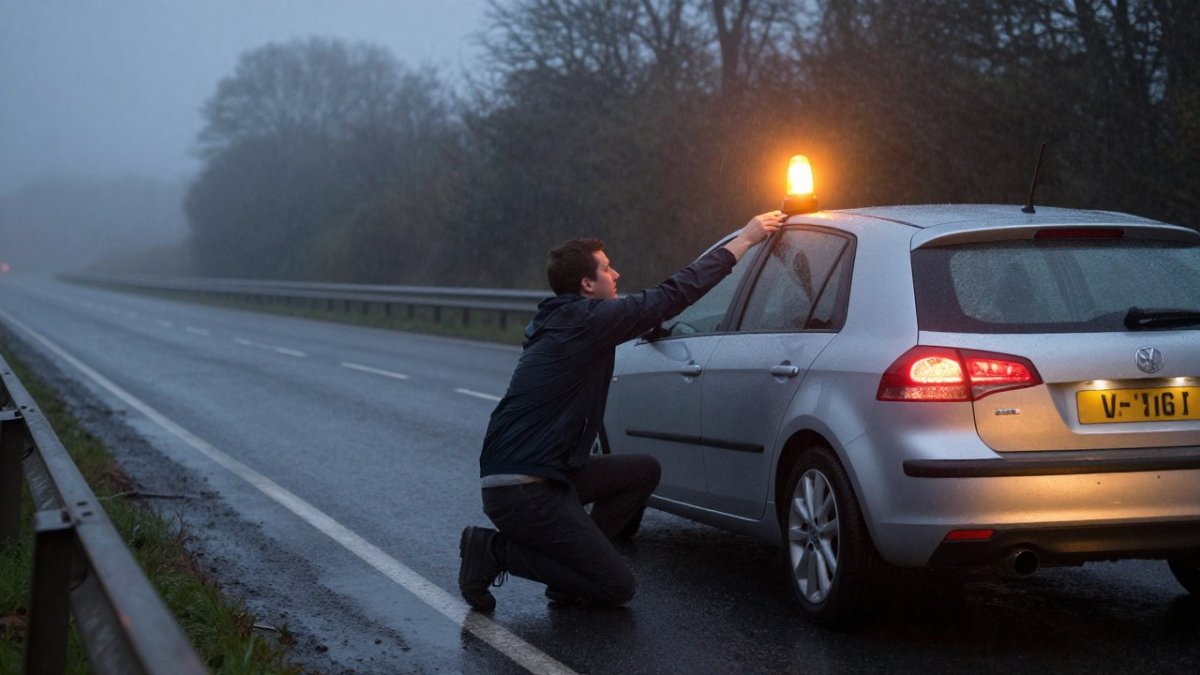
How to Register a V-16 Beacon in the UK: A Step-by-Step Guide
Quick Summary
How to register a V-16 beacon depends on the device, so start by checking that it carries the DGT approval marking and appears on the official DGT list. Next, follow the manufacturer’s quick-start guide, since some models need an app account or SIM pairing while others work straight out of the box.
- Check the device for the DGT approval marking and confirm it appears on the official DGT list.
- An app account is not the same as DGT approval and does not make an unapproved beacon compliant.
- Complete any app or QR code set-up at home on stable Wi-Fi before you travel.
- Confirm the status indicator shows a connection before you drive.
- Record the device model and account details so you can check status or replace the unit later.
Table of Contents
- Do You Need to Register a V-16 Beacon?
- Registration Versus Activation: What the Difference Means
- How to Activate a V-16 Beacon Step by Step
- DGT 3.0 Compliant V-16 Beacon Requirements for Foreign Drivers
- V-16 Beacon SIM Card Requirements and Connectivity
- V-16 Beacon Connectivity Troubleshooting
- Booking Your Beacon and Checking It Before You Drive
- Frequently Asked Questions
Do You Need to Register a V-16 Beacon?
The short answer is that knowing how to register a V-16 beacon mainly means understanding which steps actually apply to your device, and the details depend on the rules in force where you drive.
The confusion arises because three different things get called ‘registration’ in everyday use:
- Device registration with the manufacturer or app. Many connected beacons ask you to create an account, scan a QR code or enter the device serial number the first time you use it. This is the maker’s own set-up step, not a government registration. It links the device to your app so you can see its status and receive updates.
- Activation of the connectivity. This is switching the beacon on so that its mobile connection is live and it can send its position to the DGT 3.0 platform when triggered. Activation is a one-time (or first-use) step, not a recurring registration.
- Vehicle or driver details. Some apps ask for a number plate or vehicle type during set-up. This is usually for the app’s own records and to help the device report accurately; it is not a formal registration of the beacon to the vehicle with the traffic authority.
A practical decision tree for your own model looks like this:
- Check the approval status first. Look for the DGT approval marking on the device and confirm the model appears on the official DGT list of approved connected beacons. If it is not approved, no amount of registration or activation will make it compliant.
- Read the quick-start card or manual. It will tell you whether the device needs an app account, a SIM pairing step, or neither. Devices with a pre-installed eSIM often need only a power-on and a status check.
- If the manual mentions an account or QR code, complete that set-up before you travel. Do it at home where you have stable Wi-Fi and can troubleshoot.
- If the manual says the device is ready out of the box, confirm the status indicator shows a connection. No account is needed in that case.
- Record the device model and any account details so you can check status or replace the unit later.
Watch out: an app account is not the same as DGT approval. Creating an account in a manufacturer’s app does not register the beacon with the traffic authority, and an unapproved device remains non-compliant even if its app shows a green status.
Requirements can change, so confirm the current official position for your model before each trip.
Registration Versus Activation: What the Difference Means
Registration links a beacon to your vehicle or details with the authorities. Activation switches the device on and connects it so it can send its signal. These are two different steps, and a beacon can need one without the other, which is why it helps to learn how to register a V-16 beacon separately from setting it up for use.
Registration is the record-keeping step. Activation is the set-up step that gets the device working in the field. Read the manual for your model to see which steps apply to you.
The article separates the two steps so readers can tell which applies to their device.
| Step | What it does | Key difference |
|---|---|---|
| Registration | Links the beacon to your vehicle or details | Record-keeping step |
| Activation | Switches the device on and connects it | Set-up step that gets it working |
How to Activate a V-16 Beacon Step by Step
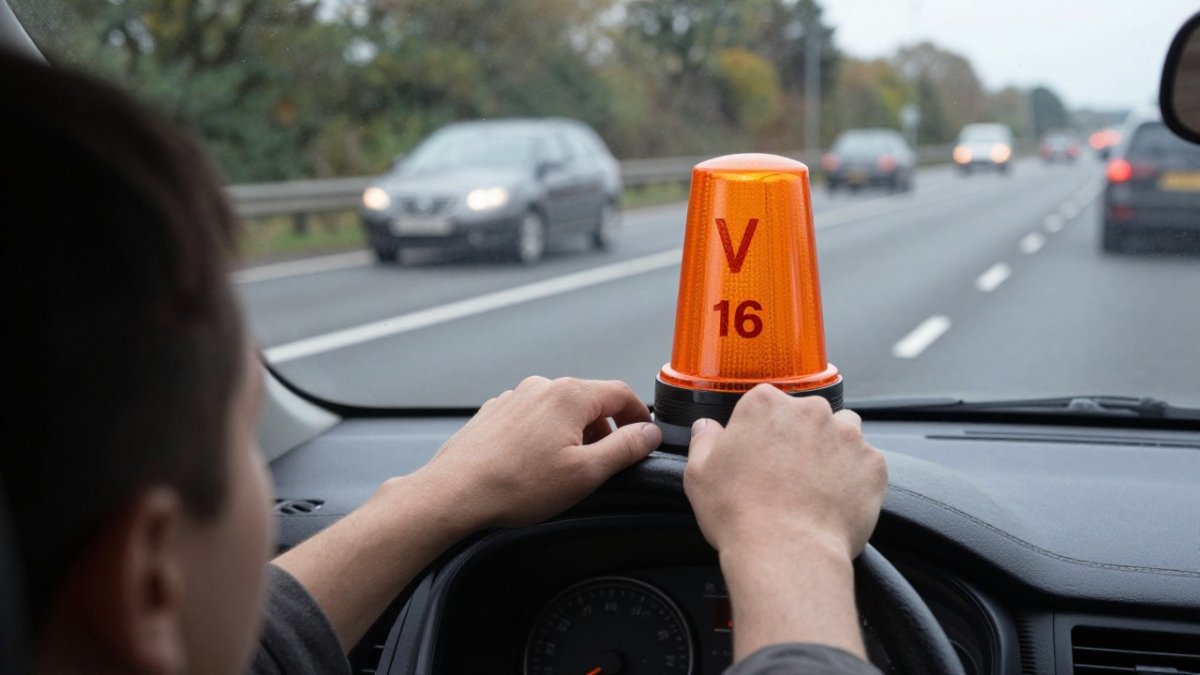
Activation is the step that turns a compliant device into a working one. The exact sequence varies by model, so the manufacturer’s instructions always take priority. The pattern below covers the common cases and, importantly, how to confirm the beacon is actually transmitting rather than merely lit.
DGT 3.0 Compliant V-16 Beacon Requirements for Foreign Drivers
DGT 3.0 is the Spanish system covering connected emergency beacons for vehicles in Spain. Drivers from the UK who take their cars to Spain should check whether their beacon meets the DGT 3.0 standard. Look for approval marking on the device and check the official documentation before you buy or travel.
Check the current official guidance for your vehicle type, as details can change.
V-16 Beacon SIM Card Requirements and Connectivity
Check the product specification to confirm whether your device needs a SIM, which network it uses and whether any fee applies.
Good mobile coverage matters. If your route passes through areas with weak signal, check how the beacon behaves there and read the device guidance on signal loss. For a deeper explanation, see the technical guide to beacon connectivity and power.
V-16 Beacon Connectivity Troubleshooting
If activation or connection fails, work through these checks:
- Confirm the battery is charged and the protection tab is removed
- Restart the device and try again
- Check the app is updated and linked to the correct device
- Make sure the SIM or mobile connection is active
- Move to an area with stronger mobile signal and retest
If the problem continues, contact the manufacturer or Roadflash support with the device model and any error messages.
Booking Your Beacon and Checking It Before You Drive
Before you buy, check the beacon’s specification and connectivity requirements. For current options and pricing, visit the Roadflash website, as prices depend on the model, quantity and delivery.
Before every trip, check the device is charged, connected and mounted correctly. A quick test at home can save trouble on the road. Roadflash’s range of beacons is available on the website.
Frequently Asked Questions
Do I need to register a V-16 beacon?
Registration requirements depend on the vehicle and the rules in force where you drive. Drivers in Spain should check the current requirements for emergency beacons, which the Spanish authorities set. Registering the device is a separate step from activating its connectivity, so check the device’s instructions and the official DGT guidance before you travel. The rules themselves are set by the Spanish authorities.
Does a V-16 beacon need a SIM card or mobile app?
Connected V-16 beacons transmit their location over a mobile connection, so they need working network coverage to send signals. Check the device specification before purchase to confirm what it requires.
How do I activate a V-16 beacon for the first time?
Follow the device instructions to complete the activation process. Confirm the light behaves as the manual describes before you rely on it on a journey.
