
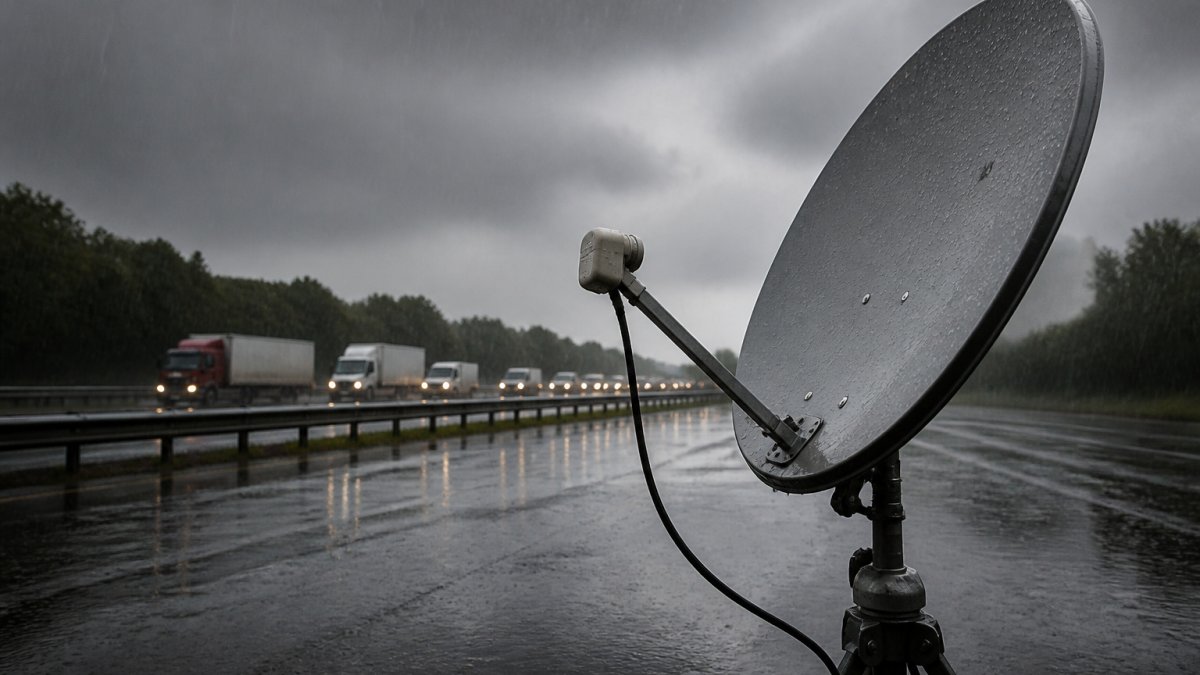
Troubleshooting Satellite Signal Loss in Heavy Rain
Table of Contents
- Why Heavy Rain Causes Satellite Signal Loss
- Satellite Rain Fade: How to Tell Temporary Outages from Faults
- How to Fix No Satellite Signal: A Step-by-Step Troubleshooting Flow
- Satellite Dish Alignment After Storm: When and How to Realign
- Preventing Future Signal Loss: Weatherproofing and Installation Resilience
- When to Call a Satellite Dish Engineer
- Conclusion
- Frequently Asked Questions
Last Updated: October 18, 2026
Why Heavy Rain Causes Satellite Signal Loss
Heavy rain can wipe out your satellite picture in seconds, and it is rarely a sign that something is broken. This guide from Roadflash explains how to tell a passing storm from a genuine fault, and what to check before you call an engineer.
Satellite signal loss during heavy rain happens because water in the air blocks the very short radio waves your dish is trying to catch. Engineers call this rain fade: the drop in signal strength caused by rain droplets, cloud cover and a wet dish face.
Here is the key point most guides skip. Your dish does not need to fail. It only needs to fall below a minimum signal threshold, and heavy rain pushes it there.
Three things combine to cause it:
- Atmospheric attenuation. Rain droplets absorb and scatter the high-frequency signal on its way down.
- A wet dish face. A film of water on the dish scatters the signal before it reaches the LNB.
- Wet foliage. Leaves in the line of sight hold water and block more signal than dry ones.
The heavier the rain and the lower your dish’s signal margin, the longer the interruption lasts. A well-aligned dish with a strong margin rides out most storms. A marginal one drops out at the first dark cloud.
Satellite Rain Fade: How to Tell Temporary Outages from Faults
A temporary outage clears as the storm passes; a persistent fault stays broken in clear weather too. That single difference decides whether you wait or start troubleshooting.
Satellite rain fade is temporary by definition. The picture returns on its own, usually within minutes of the rain easing. If your screen stays blank an hour after the sky clears, rain is not the cause.
Use this table to sort the two apart:
| Symptom | Rain fade (temporary) | Fault (persistent) |
|---|---|---|
| Returns when rain stops | Yes | No |
| Affects all channels | Yes | Often only some |
| Started during a storm | Yes | Sometimes |
| Signal quality drops gradually | Yes | Drops suddenly |
| Other homes affected | Often | Rarely |
Check your signal strength on a clear day and note the reading. If it sits close to the minimum your receiver needs, you have a thin signal margin and will lose the picture in any decent storm.
Wind is the other factor. A storm that moves your dish even slightly can turn a temporary fade into a persistent fault. That is why alignment checks matter after bad weather.
How to Fix No Satellite Signal: A Step-by-Step Troubleshooting Flow
Work through these checks in a fixed order, from the receiver outward. The order matters because it keeps you indoors and safe for as long as possible, and because each check rules out a cause before you move to the next. Do the indoor checks first, and only go outside once the weather is safe and you have ruled out everything you can from inside.
Step 1: Check the Receiver and Signal Readings
Start at the box, not the dish. Open your receiver’s signal menu and note the strength and quality readings. The exact menu path varies by make and model, but on most receivers it sits under Installation, Settings, or a dedicated Signal or Diagnostics option.
- Strength shows the raw signal arriving at the tuner.
- Quality shows how clean and error-free that signal is.
Read them together rather than in isolation. A strong signal with poor quality points to interference, a cable fault, or a misaligned LNB. Both low points to alignment, obstruction, or a dish that has moved.
Do not treat any single figure as a universal pass mark. Receivers report strength and quality on different scales, and a reading that looks healthy on one box can be marginal on another. What matters is the reading on a clear day compared with the reading during rain.
Reboot the receiver once at the mains, then recheck. If the readings are healthy and the picture is fine, the outage was rain fade and you can stop here.
Step 2: Rule Out the Receiver and Tuning
Before going outside, confirm the receiver is tuned to the right channel and that the outage is not limited to a single channel or a single transponder. If only some channels fail while others are fine, the problem is more likely to be a specific transponder, a receiver setting, or a dish that has moved slightly, rather than a total loss of signal. Retune or rescan only if you are confident in the menu, and note any change in the readings.
Step 3: Inspect the Dish for Obstructions and Damage
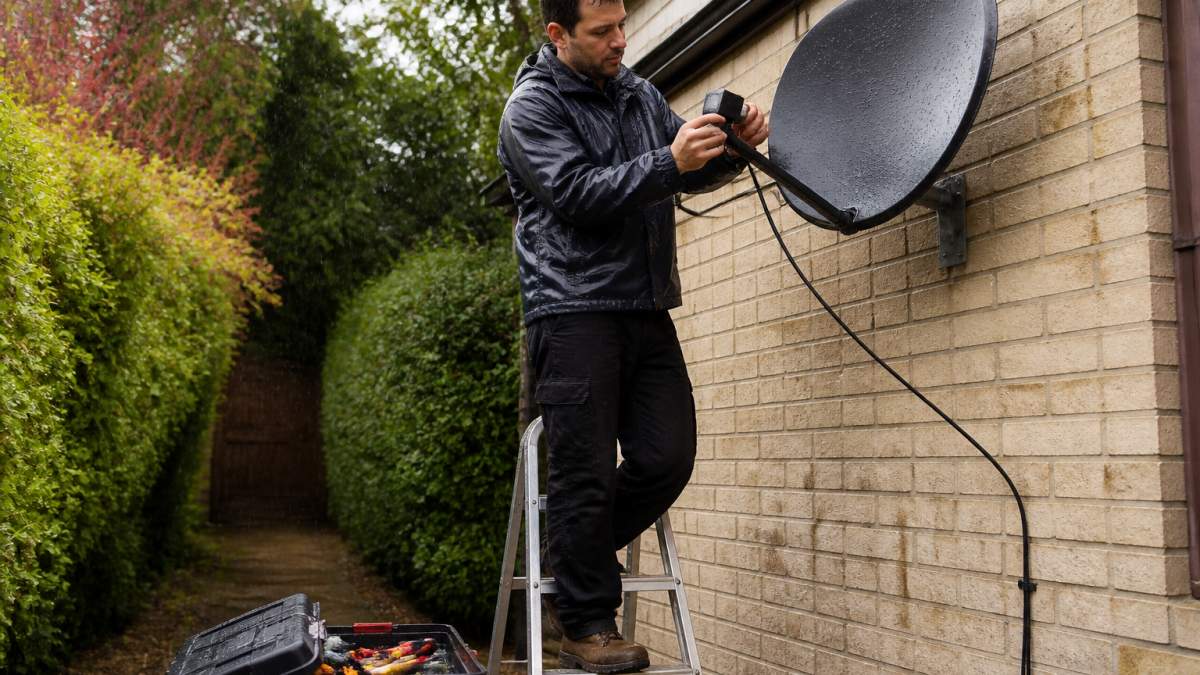
Look along the line of sight from the dish to the sky. Trees, buildings and new growth all block signal, and wet foliage makes it worse. Check the dish face for splits or dents in the reflector, a dish knocked off position by wind, loose mounting bolts, and water pooling on the LNB cover.
Step 4: Check Satellite Dish Cable Connections
Trace the coaxial cable from the dish to the receiver. Look for loose connections, cable splits, crushed sections and any sign of water ingress at the F connector. Water inside a connector is one of the most common causes of a signal that fades in wet weather and recovers when dry. Reseat each F connector by hand, then check the readings again.
Never climb a ladder or work on a dish during a storm, in high wind, or near overhead power lines. Wet roofs and metal ladders are a lethal combination. If the dish is high or hard to reach safely, stop and book an engineer.
Satellite Dish Alignment After Storm: When and How to Realign
Realign the dish only after you have ruled out cables, connectors and obstructions, and only if the readings suggest the dish has moved. Storm damage is the usual cause.
Signs your dish needs realignment:
- Signal quality dropped suddenly after a storm
- The dish looks visibly tilted or rotated
- You lost specific channels but kept others
- Readings are low on a clear day
Realignment is a fine adjustment, not a rebuild. Small movements matter, and a few millimetres can be the difference between a locked signal and nothing. Most people are better off booking an engineer with a meter than guessing at the angle.
If the mounting itself is loose or corroded, fixing the alignment alone will not hold. The bracket needs attention first.
Preventing Future Signal Loss: Weatherproofing and Installation Resilience
Prevention comes down to three things: a strong signal margin, sound weatherproofing, and a clear line of sight. Get these right and rain fade becomes a brief annoyance rather than a recurring problem.
The single most useful concept here is rain margin: the gap between your normal signal level and the minimum your receiver needs to hold a picture. A dish with a wide margin rides out heavy rain; a dish sitting close to the threshold drops out at the first dark cloud. You cannot change the weather, but you can widen the margin.
Practical steps:
- Weatherproof every F connector with self-amalgamating tape or a proper weather seal.
- Use a drip loop in the cable so water runs off rather than into the connector.
- Replace split or UV-cracked coaxial cable before it lets water in.
- Trim back trees that have grown into the line of sight.
- Check the dish after every major storm for movement or damage.
Widening the Rain Margin
A few installation choices affect how much rain your system can absorb before the picture fails:
- Dish size and alignment. A correctly aligned dish of the right size for your service collects more signal and leaves more headroom. A dish that has drifted slightly off aim loses margin without failing outright, which is why it drops out first in rain.
- Frequency band. Higher-frequency satellite bands are attenuated more by rain than lower ones, so two households on different services can have very different experiences in the same storm. This is a property of the service, not a fault in your equipment.
- Satellite footprint. If you sit near the edge of the satellite’s coverage area, your baseline signal is lower and your rain margin is thinner. Again, this is a service characteristic rather than something a repair can fix.
- Local rainfall. Areas that see frequent heavy downpours will notice rain fade more often, and the practical answer is a wider margin rather than a different dish.
Weatherproofing That Lasts
Seal every outdoor F connector, not just the one at the dish. Water tracking down a cable and pooling at a connector is a common cause of a signal that fades in wet weather and recovers when dry. Fit a drip loop at each entry point so water runs off the cable rather than into the connector, and replace any cable with cracked or UV-degraded outer sheath before it lets water reach the copper.
Mounting and Line of Sight
A secure mount is part of weatherproofing. Loose or corroded brackets let the dish move in wind, and a dish that has shifted slightly will lose margin long before it fails completely. Check the bracket as well as the dish after bad weather, and keep the line of sight clear of trees and new growth.
A dish with a healthy signal margin and sealed connectors will ride out most heavy rain. Most persistent faults we see trace back to water ingress at an F connector or a dish that shifted in the wind. Widening the margin through correct alignment, sound weatherproofing and a clear line of sight is the most reliable prevention.
When to Call a Satellite Dish Engineer
Call an engineer when the fault is persistent, when the dish is out of reach, or when you cannot safely inspect the installation yourself. A trained engineer with a signal meter will find the problem in minutes.
Book an engineer if:
- The signal does not return in clear weather
- The dish is high, on a roof, or near power lines
- You see physical damage to the dish or mount
- Water has got into the cable or wall entry
- You have already checked the receiver, cables and obstructions
Reprogramming or retuning the receiver is sometimes needed after a repair, and an engineer can handle that on the same visit. Safety comes first: no picture is worth a fall from a roof.
Conclusion
A blank screen in a storm is frustrating, but most outages are temporary rain fade that clears on its own. The real work is telling that apart from a fault, then checking the receiver, dish and cable in a safe order.
If you are heading out to inspect your setup, do it in daylight and in dry conditions. And if you breakdown at the roadside while you are at it, our multi-award-winning warning beacons at Roadflash raise hazard awareness and improve vehicle visibility, so you stay seen while you sort the problem.
Frequently Asked Questions
How long does satellite rain fade usually last?
Rain fade typically lasts only as long as the heaviest downpour. Once the rain rate eases, signal strength should recover within a few minutes. If your picture stays lost for more than 10 to 15 minutes after the rain stops, treat it as a persistent fault rather than normal rain fade and check your dish alignment and cable connections.
Can rain damage a satellite dish or its cables?
Rain alone rarely damages a dish, but water ingress at the LNB or F connectors is a common cause of long-term signal loss. Check that the weather seal around the LNB and cable entry points is intact. If water has entered the coaxial cable, replace the affected section and reseal the connections to prevent repeat outages.
What else can disrupt a satellite signal besides rain?
Heavy cloud cover, wet foliage, new tree growth, building work, and storm damage can all block or weaken the signal. Loose connections, a split coaxial cable, or a misaligned dish after high winds are also frequent culprits. Work through the checks in order, starting with the receiver and ending with the dish, to isolate the cause.
When should I call a satellite dish installer?
Call an installer if you have checked the receiver, cables, and dish for obvious issues and the signal is still missing, or if the dish has visibly moved or been damaged in a storm. Working at height on a ladder carries serious risks, so leave realignment and any roof-level repairs to a qualified engineer.