
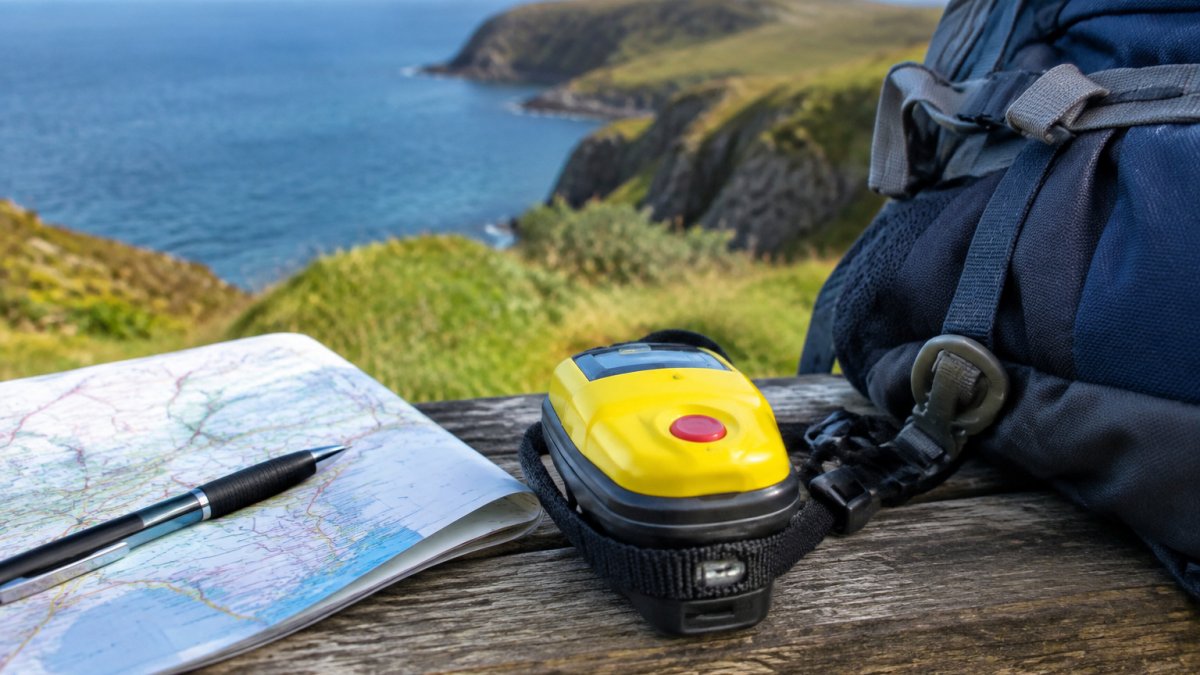
How to Register a Personal Locator Beacon in the UK
Last Updated: November 4, 2026
Quick Summary
To learn how to register a personal locator beacon in the UK, gather your personal details, emergency contacts and the beacon’s Hex ID, then complete the official online registration portal. Registration links your beacon to your details so rescue teams can find you quickly.
- Gather your name, date of birth, postcode and contact details before you start.
- The Hex ID is a 15-character hexadecimal code printed on the device label.
- Do not guess faded characters; contact the manufacturer to confirm the Hex ID in writing.
- List at least one emergency contact who has agreed to be contacted.
- Update your registration whenever your phone number, address or contacts change.
Table of Contents
- What Is a Personal Locator Beacon and Why You Must Register It
- Information You Need Before You Start Registration
- How to Find Your Beacon’s Hex ID
- Step-by-Step: Completing the Online Registration
- How to Test a Personal Locator Beacon Before You Register
- Updating PLB Contact Details, Battery Replacement and Registration
- Keeping Your Beacon Registered: Troubleshooting, Travel and Disposal
- Frequently Asked Questions
Roadflash has put together this step-by-step guide on how to register a personal locator beacon in the UK. Registration links your beacon to your details so rescue teams can find you quickly if you ever need help at sea, in the air or in remote country.
Registration is a simple online process, but a few details trip people up. Gather the right information first and the job takes minutes rather than an afternoon. We cover the Hex ID, the contact details you will need, the registration steps and what to do after you finish.
What Is a Personal Locator Beacon and Why You Must Register It
A personal locator beacon (PLB) is a small, battery-powered transmitter that sends a distress signal on the 406 MHz frequency. That signal is picked up by the Cospas-Sarsat satellite system and passed to the rescue coordination centre responsible for your area.
Registration is what turns a signal into a useful alert. Without it, rescuers receive a Hex ID and have no idea who you are or how to reach your emergency contacts.
Keep your details up to date, because an out-of-date record can slow a rescue down.
Information You Need Before You Start Registration
Collect these details before you open the online portal:
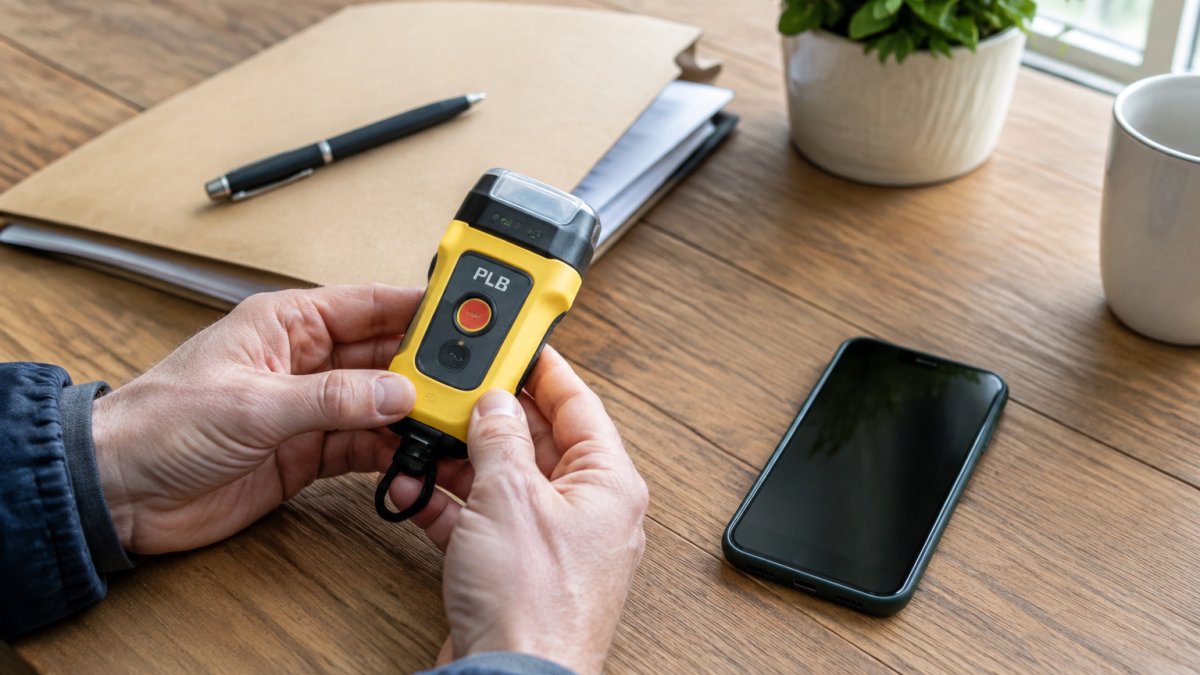
- Your full name, date of birth and postcode
- A phone number and email address you check regularly
- At least one emergency contact, with their name and phone number
- Your beacon’s Hex ID, printed on the device
- Details of your vessel, aircraft or vehicle, if the beacon will be used with one
Having everything ready means you will not have to stop halfway through. Check that each emergency contact knows they are listed and has agreed to be contacted.
A picture of the beacon’s label is useful too. It helps you copy the Hex ID accurately.
The article lists the details to gather before you open the portal, so you can finish in one sitting:
| Item | What you need | Note |
|---|---|---|
| Personal details | Full name, date of birth, postcode | Must match your records |
| Contact details | Phone number and email address | Use ones you check regularly |
| Emergency contact | Name and phone number | At least one person required |
| Hex ID | Printed on the device | Copy exactly as shown |
| Vessel or vehicle | Details, if used with one | Only if applicable |
How to Find Your Beacon’s Hex ID
The Hex ID is the unique identifier that ties your beacon to your registration record. It is a 15-character hexadecimal code, the digits 0-9 and the letters A-F only, and it is the single field most likely to cause a failed registration.
Where to look, in order of reliability:
- The device label. On most PLBs the Hex ID is printed on a label on the back or underside of the casing, often alongside the manufacturer’s serial number and the battery expiry date. On some models it sits under the battery cover, so you may need to remove the battery pack to read it.
- The manufacturer’s documentation. The registration card or quick-start leaflet supplied with the beacon normally repeats the Hex ID.
- The programming label or packaging. Keep the box and paperwork until registration is confirmed; the code is often printed there too.
Copy the code exactly as printed. Do not add spaces, hyphens or the letters O, I or S, those are not valid hexadecimal characters, and the portal will reject them. A common pattern is for users to misread a zero as the letter O, or a one as the letter I, when reading a worn label.
Watch out: if the label is faded or damaged, do not guess the missing characters. Contact the manufacturer with the serial number and ask them to confirm the Hex ID in writing before you attempt registration.
If you have the beacon to hand, photograph the label before you start typing. It gives you a clean reference to check against if the portal rejects your first attempt, and it is useful evidence if you later need to query the registration.
Step-by-Step: Completing the Online Registration
Follow these steps on the official portal to learn how to register a personal locator beacon:
- Open the portal. Go to the official UK beacon registration service and choose to register a new beacon.
- Enter the Hex ID. Type or paste the code from your beacon label.
- Add your personal details. Enter your name, date of birth, address and contact information.
- Add emergency contacts. List at least one person who can be reached if you are reported missing.
- Describe the beacon’s use. Say whether it is for personal use, a vessel, an aircraft or a vehicle.
- Check everything. Review each field before you submit. Wrong information causes delays.
- Submit and save your confirmation. Keep a copy of the confirmation email or reference number.
How to Test a Personal Locator Beacon Before You Register
Testing your beacon before you register is a sensible habit. Most beacons have a self-test function that checks the battery and internal circuits without sending a live distress signal.
Check the beacon’s manual for the exact procedure, as it varies by model. Never activate a beacon in a way that transmits a live distress signal unless you are in a real emergency, because a false alert wastes rescue resources.
Note the battery expiry date at this stage. You will need it for your records and for the maintenance steps later in this guide.
Updating PLB Contact Details, Battery Replacement and Registration
Your registration is only useful while it is accurate. Update it whenever your phone number, address or emergency contacts change.
Many people forget this step. A beacon that is registered to a previous address or an old phone number can cause confusion during a rescue. Emergency beacon battery maintenance for winter covers how to keep the battery in good condition between replacements.
Battery replacement is also part of keeping your beacon ready. Check the expiry date printed on the device and replace the battery before it runs out. Some manufacturers require a specific battery type, so use only the one they recommend.
After a battery change, review your registration to confirm the details still match. This small check takes a few minutes and can make a real difference.
Keeping Your Beacon Registered: Troubleshooting, Travel and Disposal
Registration is not a one-off task. The record only helps rescuers while it matches reality, so treat it as something you maintain alongside the beacon itself.
Troubleshooting a rejected registration. Most failures come down to the Hex ID. Re-read the label and compare it character by character with what you typed, checking for a zero entered as the letter O, a missing character, or a stray space. If the portal still rejects a code you are confident is correct, the beacon may already be registered, for example if you bought it second-hand, in which case you need to transfer or deregister the existing record rather than create a new one. Keep a screenshot of any error message so you can describe it accurately if you contact the registry office.
Travelling with a registered beacon. A beacon registered in the UK continues to transmit a signal that the Cospas-Sarsat system routes to the appropriate rescue coordination centre wherever you are, but the registration record is what lets that centre reach your contacts. Carry proof of registration with you, keep your contact numbers reachable while abroad, and check the destination country’s rules on carrying and using beacons before you travel, some countries restrict use or require local notification. If you move abroad permanently, update your registration address and contacts so the record reflects where you actually are.
Selling or transferring a beacon. Never hand over a beacon with your registration still attached. Use the registration service to deregister the device or transfer it to the new owner, and confirm the change has gone through. An old record left in place can attach your details to a device now in someone else’s hands, which wastes rescue time and exposes your personal information.
Disposal and decommissioning. When a beacon reaches the end of its life, do not put it in household waste. Ask the manufacturer or your local council about safe disposal, because the battery needs separate handling. Before disposal, deregister the beacon so its Hex ID is removed from the registry, an unregistered beacon that is accidentally activated in a skip or landfill can still generate a false alert. If the beacon is being replaced, register the new device before you dispose of the old one so there is no gap in coverage.
Privacy. Your registration holds personal details and emergency contacts. Store your confirmation securely, share contact details only with people who have agreed to be listed, and keep the record current so it never points rescuers at someone who can no longer help.
Frequently Asked Questions
Is it mandatory to register a personal locator beacon in the UK?
Registration is worth doing for 406 MHz personal locator beacons. Registration links your beacon’s unique Hex ID to your name, contact details and emergency contacts, so rescue coordinators can identify you quickly if the beacon is activated. Without registration, a distress signal may take longer to act on and may not give responders the information they need. Check the current requirements with the UK Coastguard before you travel or head out on the water, as rules can change, and keep your details up to date after you register.
Does it cost money to register a 406 MHz beacon?
Registration itself is handled through the official online portal, and there is no need to pay a third party to complete it. Check the portal and the UK Coastguard guidance for the current position on any fees before you begin. Keep in mind that the beacon itself, battery replacement and any service you buy from a retailer such as Roadflash are separate costs. For pricing on products, visit the Roadflash website or request a quote directly.
How often should I update my PLB registration details?
Update your registration whenever your details change. That includes a new address, a new phone number, changed emergency contacts, a different vessel or vehicle, or a change of ownership. Many people also review their registration each time they replace the battery, since that is a natural point to check that everything is still correct. Keeping details current is one of the simplest ways to make sure responders can reach the right people if your beacon is ever activated.
Can I register a PLB online?
Yes. Registration is completed through the official online portal, where you enter your beacon’s Hex ID, your personal details and your emergency contacts. Have your beacon’s Hex ID and your contact information ready before you start, so the form can be completed in one session. Once submitted, keep a copy or a screenshot of your confirmation for your records.
