
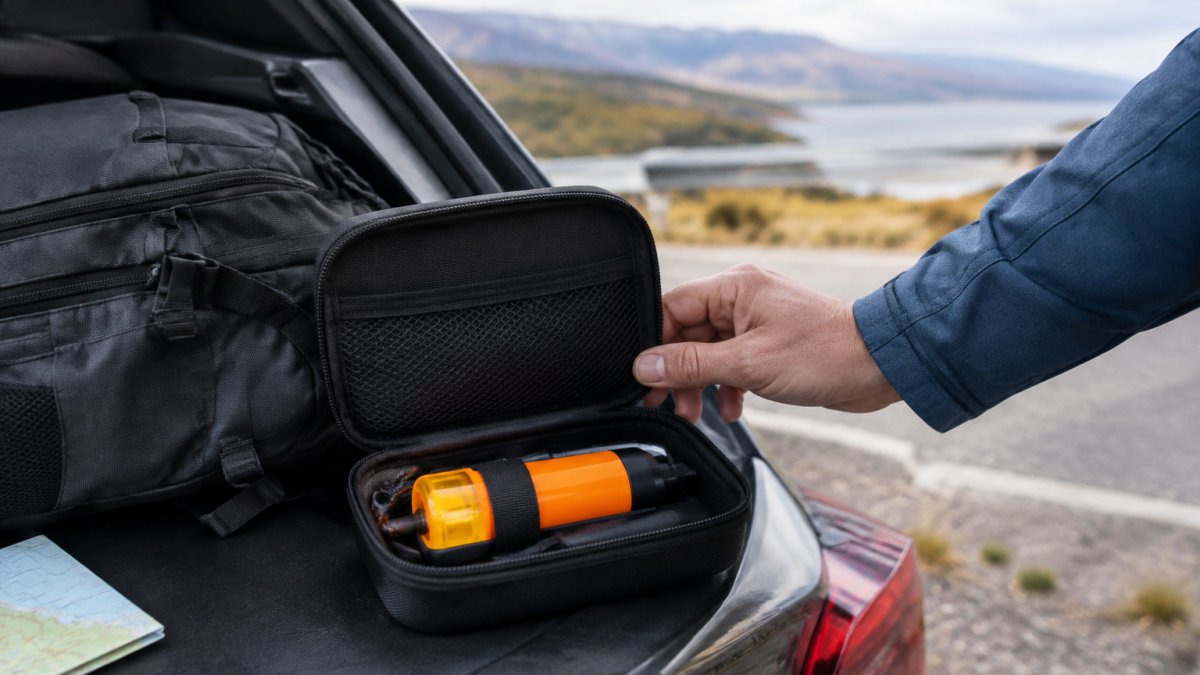
How to Pack an Emergency Beacon for Travel in 7 Steps
Table of Contents
- What an Emergency Beacon Is and When You Need One
- Can You Take a PLB on a Plane? Checking the Rules Before You Pack
- Personal Locator Beacon Travel Checklist: Before You Leave Home
- Step-by-Step: Packing Your Beacon Safely
- How to Prevent Accidental PLB Activation in Your Bag
- Where to Carry a Personal Locator Beacon on Your Journey
- Booking Your Beacon Check Before You Set Off
- Frequently Asked Questions
Last Updated: November 5, 2026
If you are flying with a personal locator beacon, the wrong packing habit can cost you more than a bit of hassle. Done right, it keeps your device safe, stops it activating by accident, and means you can prove it works when you need it most. This guide from Roadflash walks you through how to pack an emergency beacon for travel, step by step, so you can leave home with confidence. Keeping your beacon protected and ready is one part of travel preparedness, while packing a trauma bag helps ensure essential medical supplies are close at hand on a road trip.
What an Emergency Beacon Is and When You Need One
A personal locator beacon (PLB) is a small, battery-powered device that sends a distress signal to search and rescue services through satellite (Annex C – Draft – MGN 665 (M+F) Amendment 1 Mandatory registration of Emergency Position…). A PLB is designed for use when you are in serious trouble, far from help, and need rescuers to find you.
Many people carry one for backcountry hiking, sailing, remote driving, or long trips where mobile signal is unreliable. Roadflash’s DGT 3.0 compliant emergency beacons with GPS/Geolocation are designed for drivers, which is a different use case from a PLB. Check which type your device is before you pack it.
Can You Take a PLB on a Plane? Checking the Rules Before You Pack
Most airlines allow personal locator beacons in carry-on or checked baggage, but the rules are not universal. They vary by airline, by the countries you are flying from and to, by the type of battery fitted, and by the beacon model itself. Treat any single answer you find online as a starting point, not a guarantee.
Work through four checks before you pack:
- The airline’s dangerous goods policy. Look for the section covering lithium batteries and transmitting devices. Many carriers publish a table that distinguishes between batteries installed in equipment and spare batteries carried separately. Note whether the airline requires spares in cabin baggage only.
- The rules of the countries you are flying from and to. Some destinations restrict the carriage of transmitting devices or require prior permission. Check the official government travel advice for each country on your route, not just the departure point.
- The device manual. The manufacturer’s transport guidance may specify whether the battery must be removed, whether the antenna must be detached, and whether the device can be carried in the hold. Follow it over general advice.
- The current status of your registration. A registered beacon is easier to clear with an airline or authority if questions arise. Keep a copy of the registration confirmation with your travel documents.
Rules change, so repeat these checks close to your departure date rather than relying on what you found when you booked. If anything is unclear, contact the airline in writing before you reach the airport and keep the reply with your documents.
Watch out: a beacon that is legal in carry-on for one carrier may be restricted in checked baggage on another, and a spare battery that is allowed in the cabin may be refused in the hold. Confirm both the device and any spares separately.
Personal Locator Beacon Travel Checklist: Before You Leave Home
Work through this list at home, not at the check-in desk.
- Confirm your device is registered to your details and the registration is current
- Check the battery expiry date and replace it if it is close to expiring
- Carry a spare battery only if the device and airline allow it
- Run the self-test as the manual describes, then turn the device off
- Note the device serial number and keep a copy of your registration with you
- Check the airline’s rules for lithium batteries and transmitting devices
- Pack a protective case or pouch that stops accidental presses
If your beacon is not yet registered, register it before you travel. Registration links your device to your details so rescuers can identify you.
Step-by-Step: Packing Your Beacon Safely
Follow these steps in order each time you pack. The sequence matters: turning the device off before protecting the switch, and protecting the switch before placing the beacon in a bag, prevents the most common causes of accidental activation.
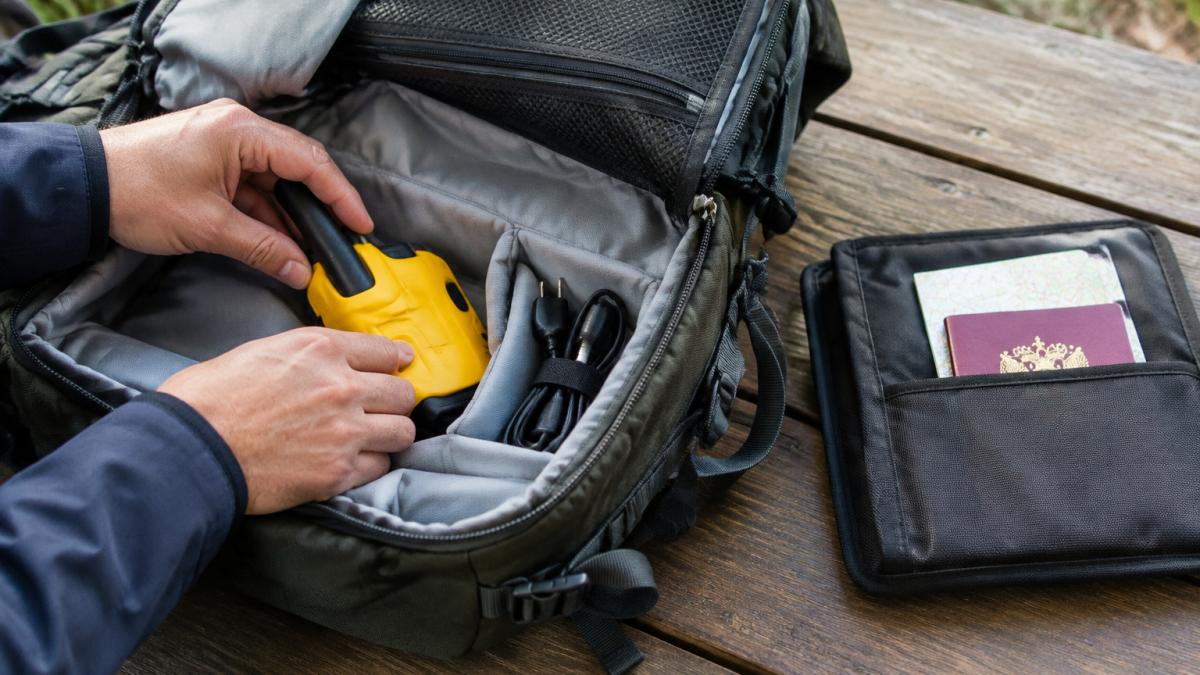
- Turn the device fully off. Hold the power button until the device powers down completely, then check that no indicator light is showing. Sleep mode or standby can leave a device ready to transmit, so confirm the off state rather than assuming it.
- Protect the switch. Fit the manufacturer’s switch cover if one is supplied, or use a rigid case that clicks shut. Tape can work as a backup, but it leaves residue and can fail in heat, so prefer a mechanical cover where possible.
- Secure the antenna. Fold or detach the antenna as the manual directs, and place it so it cannot bend sharply or be snapped by other items. A damaged antenna can reduce signal performance even if the device activates correctly.
- Place the beacon in a padded case. Choose a pouch or hard case with a firm closure that stops other items pressing the controls. Avoid soft pockets where keys, coins, or a phone could press against the device.
- Handle the battery correctly. If the battery is installed, leave it in place unless the manual says otherwise. If you carry a spare, keep it in its original packaging or in a separate pouch so its terminals cannot touch metal objects or each other.
- Put the case where you can reach it quickly. In the cabin, keep it in a bag you can access without unpacking everything. In checked baggage, place it in the centre of the case, surrounded by soft items, with the switch protected.
- Keep your registration details with you. Carry a copy of the registration confirmation and note the device serial number, so you can produce them if asked.
Turning the Device Fully Off and Protecting the Switch
A beacon that is only in standby can still transmit if the switch is pressed. Hold the power control until the device shuts down, then confirm the indicator light has gone out. Once off, cover or lock the switch so it cannot move inside your bag. A bumped switch in a crowded overhead locker is one of the most common causes of accidental activation.
Handling Spare Lithium Batteries
Lithium batteries attract the most airline scrutiny. Keep spare batteries in their original packaging or separated from each other and from metal objects, so their terminals cannot touch. Check whether your airline requires spares in cabin baggage, and never pack a damaged or swollen battery. If a battery looks unsafe, do not travel with it, replace it before you leave.
Watch out: a spare battery carried loose in a pocket with keys can short-circuit. Treat every spare as a separate item with protected terminals, and confirm the airline’s rule for that battery type before you fly.
The steps below set out the packing sequence, with the time each stage takes or what to confirm.
| Step | What to do | Key check |
|---|---|---|
| 1. Turn off | Hold the power button until fully off | Indicator light has gone out |
| 2. Protect switch | Fit the switch cover or a rigid case | Switch cannot move in the bag |
| 3. Secure antenna | Fold or detach as the manual directs | No sharp bends or snaps |
| 4. Padded case | Use a pouch or hard case with firm closure | Nothing presses the controls |
| 5. Handle battery | Leave installed unless the manual says otherwise | Spares have protected terminals |
| 6. Position | Cabin: quick access; hold: centre of case | Soft items surround the device |
| 7. Keep registration | Carry a copy and note the serial number | Ready if asked |
How to Prevent Accidental PLB Activation in Your Bag
Accidental activation sends a real distress signal and can trigger a search. Prevent it in three ways:
- Lock the switch with a cover or tape
- Pack the beacon away from pressure, such as under heavy books or in a pocket that gets squeezed
- Store it in a rigid case that stops other items pressing the button
Watch out: a PLB pressed in a crowded overhead locker or bag can activate without you noticing. Check the indicator light after you unpack, and if it has been triggered, follow the manual to cancel it and contact the relevant authority.
Where to Carry a Personal Locator Beacon on Your Journey
Keep the beacon with you in the cabin where you can reach it, rather than locked away in the hold, if your airline permits it. Store it in a pocket or pouch that stays closed and cannot be squeezed. Avoid carrying it loose in a jacket pocket where keys or coins could press the switch.
If the airline requires it in checked baggage, pack it in the centre of your case, surrounded by soft items, with the switch protected. Keep a photo of the device and its registration on your phone as a backup.
Booking Your Beacon Check Before You Set Off
Before departure, confirm your device works and meets the rules that apply to your journey. Roadflash’s range of DGT 3.0 compliant emergency beacons with GPS/Geolocation is built for drivers, so check which model you own before you pack it. For current prices or a quote on the right device, visit the Roadflash website, as pricing depends on the model and quantity.
Make the check a habit: test, pack, record your registration, and recheck the battery date.
Frequently Asked Questions
Where should you pack an emergency beacon when travelling?
Keep the beacon on your person or in your hand luggage, not in checked baggage. Hold brings it within reach if you need it during a disruption, and it stays with you rather than in a hold where it could be damaged or activated by pressure. Choose a pocket or compartment you can reach without unpacking, such as a jacket pocket or top zip of a day pack. Check the rules of your airline and destination before you travel, as carriage conditions vary.
Can you put a personal locator beacon in checked luggage?
Many airlines and aviation authorities restrict personal locator beacons in checked baggage, and some prohibit them there entirely. Because checked bags are stored out of your sight and can be handled roughly, a beacon in a hold risks accidental activation or damage. Carry it in hand luggage where possible, and confirm the current position with your airline before departure, since the rules can differ between carriers and countries.
How do you stop a beacon from activating accidentally in your bag?
Switch the device fully off before packing, not just into standby. Lock or cover the activation switch where the model allows it, and store the beacon in a separate pocket away from pressure, heat and other items that could press the button. Avoid packing it loose at the bottom of a bag beneath heavy gear. Check the device manual for model-specific guard features, and if it does activate by mistake, follow the manufacturer’s cancellation steps immediately.
How should you check an emergency beacon before a trip?
Check the battery level and expiry date, confirm the registration is current, and make sure the device is fully charged or has fresh batteries as its manual specifies. Perform the manufacturer’s self-test if it has one, and make sure the antenna is intact and undamaged. Note the registration details and emergency contacts so they are easy to find. Repeat the check after packing and again before you set off.
