
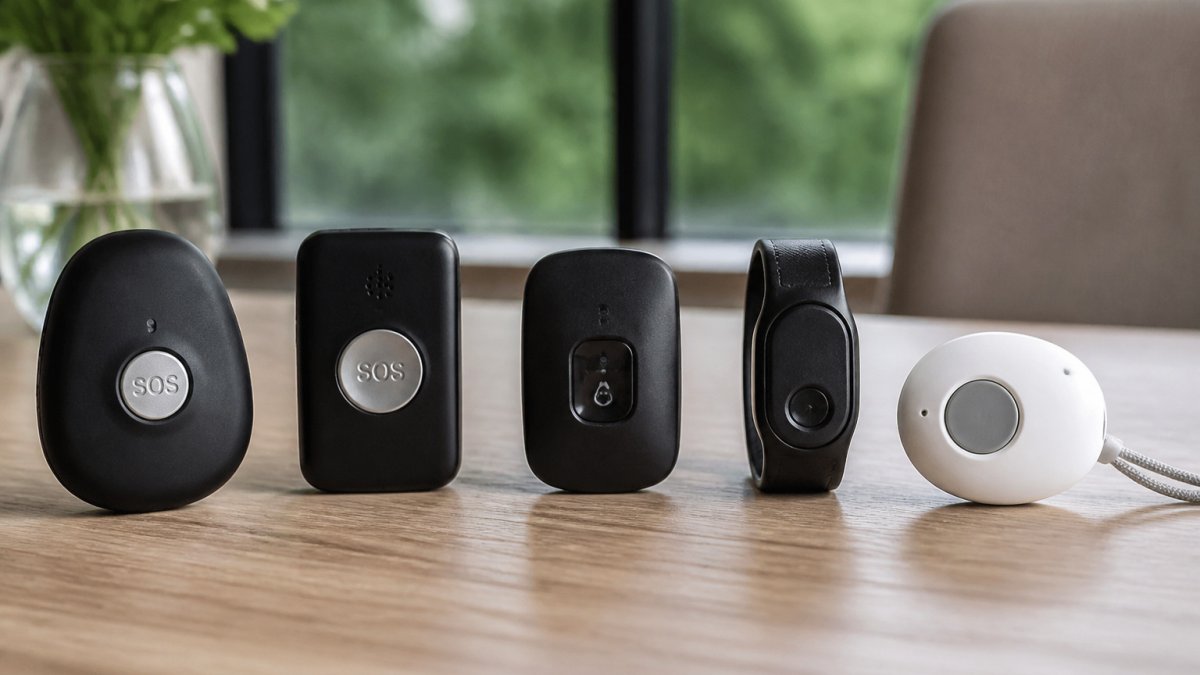
Best Personal GPS Trackers for Elderly Users in the UK Compared
Quick Summary
The best personal gps trackers for elderly in the UK compared here are Roadflash, Safer Walking 2, SureSafe Dementia Tracker and Tech Silver Tracker, judged on real-time location, emergency features, battery life and ongoing costs. Because published UK pricing is unconfirmed for most, compare the total first-year and two-year cost before buying.
- Compare total first-year and two-year cost, not the headline device price.
- Ask who receives SOS alerts, at what hours, and whether you can call 999 directly.
- Check whether location history, geofencing and caregiver alerts are included or sold as add-ons.
- Ask where location data is stored, how long it is kept, and who can access it.
- Set up safe zones and test alerts by stepping outside them at different times of day.
Table of Contents
- How We Compared the Best Personal GPS Trackers
- Side-by-Side Comparison of the Leading UK Trackers
- GPS Tracker for Dementia: Features That Matter Most
- Personal Alarm With GPS Versus a Standalone Tracker
- GPS Tracker Subscription Costs: What You Will Actually Pay
- Setting Up Safe Zone Alerts and Caregiver Notifications
- Choosing the Right Tracker for Your Family Member
- Frequently Asked Questions
How We Compared the Best Personal GPS Trackers
Last Updated: October 27, 2026
Choosing one of the best personal gps trackers for elderly in the UK for an older relative is harder than it looks. Dozens of devices promise peace of mind, but the differences between them matter a great deal when someone may wander, fall or simply forget where they are. At Roadflash, we set out to compare the options available to UK families with a clear, repeatable method, so you can see what each device does and where it falls short.
Our review focused on four areas: real-time location, emergency features, battery life and ongoing costs. We drew on published product information, the descriptions given by retailers and specialist support organisations, and community discussion from people who use these devices day to day. Where a detail was not confirmed in the information we could access, we say so rather than guess.
Please note that we have not tested these devices in a controlled lab. Accuracy, battery life and mobile coverage can vary with location, network and how the device is worn, so check each manufacturer’s current specification before you buy the best personal gps trackers for elderly in the UK.
Side-by-Side Comparison of the Leading UK Trackers
Most roundups list a device, a headline price and a star rating. That is not enough when the person wearing it may wander or fall. The table below compares the four devices in this review on the factors that decide whether a tracker is genuinely useful: what it does, who receives the alert, what it costs over twelve months, and what happens when the signal drops. Where a supplier has not published a figure, we say so rather than guess.
| Tracker | Device type and wearing style | Alert routing | Published UK pricing | Contract and cancellation | Key limitation |
|---|---|---|---|---|---|
| Roadflash | Vehicle and road-safety GPS beacon | SOS to nominated contacts | Not confirmed for personal use | Not confirmed | Built for vehicles, not for a person who wanders |
| Safer Walking 2 | Personal tracker listed in a dementia-support shop range | Not confirmed | Not confirmed | Not confirmed | Features and support not confirmed |
| SureSafe Dementia Tracker | Wearable GPS tracker with talking-watch function | Not confirmed | Not confirmed | Not confirmed | Pricing and support arrangements unclear |
| Tech Silver Tracker | Personal GPS tracker | Not confirmed | Recurring monthly or annual fee indicated; amount not confirmed | Not confirmed | Fee amount and full features not confirmed |
What the table tells you, and what it does not. A like-for-like cost comparison requires enough detail about each tracker’s costs. Without a published subscription price, you may need to contact the supplier to calculate the first-year cost. Before you buy, ask each one the same five questions and write the answers down:
- What is the device price, including VAT?
- What is the monthly or annual subscription, and does it rise after the first year?
- Is there a setup or activation fee?
- What is the minimum contract length, and what is the notice period to cancel?
- Does the subscription include location history, geofencing and caregiver alerts, or are these add-ons?
Pros and cons at a glance:
- Roadflash: Roadflash’s specialised products include early warning systems for stationary vehicles and DGT 3.0 compliant emergency beacons.
- Safer Walking 2: Sits within a shop focused on people living with dementia, which suggests the retailer understands the use case. The gap is the absence of confirmed features and pricing.
- SureSafe Dementia Tracker: Combines GPS with a talking watch, which can help a wearer who responds better to voice prompts than to a screen. Pricing and support arrangements remain unclear.
- Tech Silver Tracker: Clearly indicates a recurring fee, which is at least transparent about the ongoing cost model. The amount and device details still need checking.
A cheap device with an expensive subscription can cost more over two years than a dearer device with a low monthly fee. Always compare the total first-year and two-year cost, not the headline device price.
What happens after an SOS alert. This is the detail most comparison tables omit. An SOS button can route to family members, to a monitoring centre, or to the emergency services, and the difference matters. Ask each supplier: who receives the alert, at what hours, how many contacts are called, what happens if no one answers, and whether the device can be used to call 999 directly. A tracker that alerts only an app on a relative’s phone is not the same product as one with 24-hour monitoring, even if the hardware looks identical.
Coverage and what happens when signal is lost. No GPS tracker works everywhere. Indoors, in a basement, in a rural valley or on a train, the device may lose both GPS and mobile signal. Ask whether the tracker stores the last known location, whether it can use Wi-Fi or Bluetooth to estimate position, and how long it keeps trying to reconnect. A device that simply goes silent when signal drops is less useful than one that reports its last known position and resumes when coverage returns.
GPS Tracker for Dementia: Features That Matter Most
For people living with dementia, a tracker must do more than show a dot on a map. It needs to help a carer respond quickly when a person leaves a familiar place. The features below are the ones we would check first.
Real-Time Location, Wandering Alerts and Geofencing
Real-time location tells you where the device is now, not where it was ten minutes ago. Wandering alerts notify you when the person moves outside an expected area. Geofencing lets you draw those areas on a map, so you receive a message when the device crosses a boundary. Configuring these digital boundaries effectively requires a basic understanding of how to integrate smart gadgets for seniors into a daily care routine.
Ask the supplier how often the location updates and how quickly alerts arrive. Those details decide whether a tracker is useful in an emergency.
SOS Buttons, Two-Way Calling and Battery Life
An SOS button lets the wearer ask for help. Two-way calling allows a carer to speak with them directly, which can calm someone who is confused. Battery life determines whether the device works when it is needed most.
Many trackers only last a day or two between charges. A device that is often flat is not a reliable safety tool, so check the battery claim and whether the device is easy to charge.
Personal Alarm With GPS Versus a Standalone Tracker
A personal alarm raises an alert when the wearer presses a button or when a sensor detects a fall. A standalone tracker focuses on location. Some products combine both.
If the main worry is a fall at home, a personal alarm may serve better (Falls – Staying safe at home). If the main worry is wandering outdoors, a GPS tracker is the better choice. Many families end up using both, so consider whether one device can cover both needs before paying for two.
GPS Tracker Subscription Costs: What You Will Actually Pay
Most personal GPS trackers carry an ongoing cost on top of the device price. That cost usually covers a mobile data connection, access to the tracking app, and sometimes a monitoring service. The subscription is where the real differences between products appear, and it is the part most roundups gloss over.
Why we are not quoting a single monthly figure. The suppliers in this review have not all published current UK subscription prices, and quoting a number we cannot verify would be worse than saying so. What we can do is show you how to calculate the true cost and what to ask before you commit.
The four cost lines to add up:
- Device price. The one-off purchase cost, including VAT and delivery.
- Subscription. The monthly or annual fee for connectivity and app access. Ask whether it is billed monthly or annually, and whether the price is fixed or rises after the first year.
- Setup or activation fee. Some suppliers charge a one-off fee to register the SIM or activate monitoring.
- Monitoring or response fee. If the device routes alerts to a call centre rather than to family, there may be a separate monitoring charge. This is often the largest ongoing cost and the one most often left out of headline prices.
A worked example of the calculation.
Ask each supplier for the total cost over 12 and 24 months in writing, including VAT. A supplier that cannot give you that figure is a supplier to treat with caution.
Contract length and cancellation. Some subscriptions are rolling monthly; others lock you into 12 or 24 months. Ask what the notice period is, whether there is an early-termination charge, and what happens to the device if you cancel, some become unusable without the subscription, while others retain basic tracking. If the person’s needs change, you do not want to be trapped in a contract.
What the subscription should include. A fair subscription covers mobile connectivity, real-time location, geofencing and caregiver alerts. Check whether location history, multiple caregiver accounts and SOS routing are included or sold as add-ons. A low monthly fee that excludes alerts is not a bargain.
The privacy question competitors miss. A GPS tracker generates a continuous record of where a person is. Before you buy, ask the supplier where location data is stored, how long it is retained, who can access it, and whether it can be exported or deleted.
Questions to put to every supplier before you pay:
- What is the total first-year and two-year cost, including VAT?
- Is the subscription monthly or annual, and does the price change after year one?
- What is the minimum term and the cancellation notice period?
- Does the fee include monitoring, or is that separate?
- Where is location data stored, for how long, and who can see it?
Adding up the first year, including the device, is a more honest way to compare costs than looking at the headline price alone. The same applies to the second year, when the device price is gone but the subscription remains.
Setting Up Safe Zone Alerts and Caregiver Notifications
Once you have chosen a tracker, set it up before you need it. Start by drawing safe zones around places the person visits often, such as their home, a relative’s house or a local shop. Keep the zones fairly generous so that you do not receive constant false alarms.
Next, add the phone numbers of every carer who should receive alerts. Test the system by stepping outside a safe zone and confirming that a notification arrives. Repeat the test at different times of day, as mobile signal can change.
Choosing the Right Tracker for Your Family Member
The right tracker depends on the person, not just the product. Consider these questions:
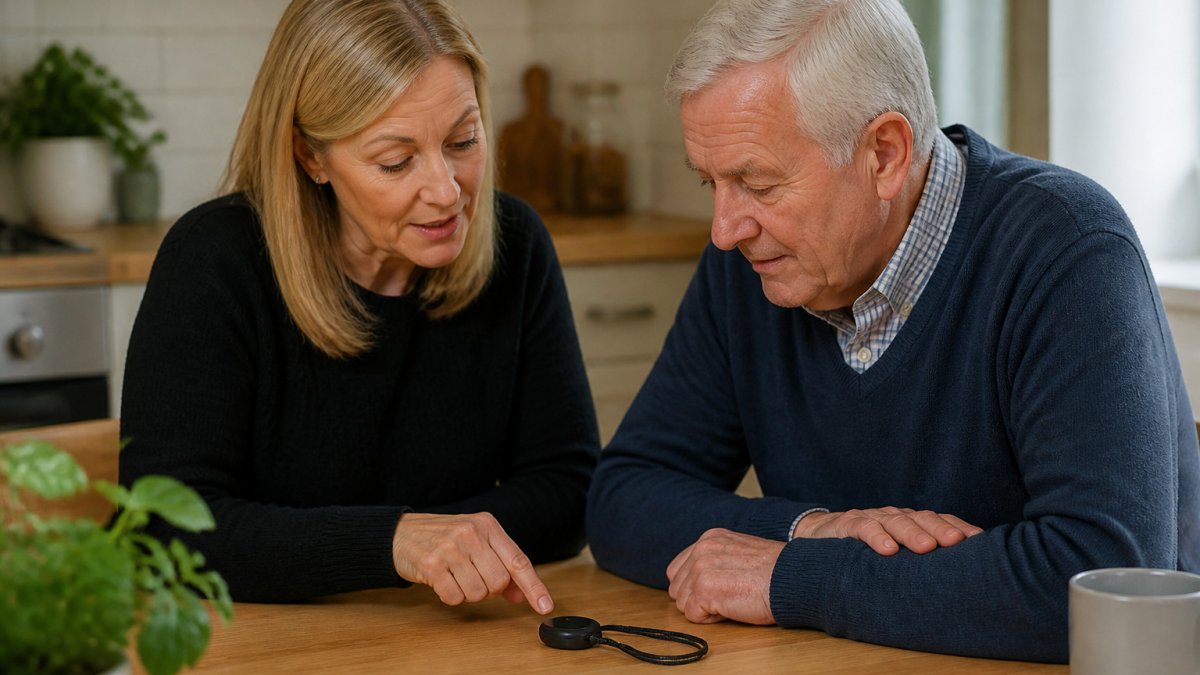
- Does the person mainly wander outdoors, or do they need help at home?
- Will they wear a pendant, a watch or a device that clips to clothing?
- Can they press an SOS button, or do they need an automatic alert?
- Who will receive the alerts, and how quickly do they need to respond?
- How comfortable are you with an ongoing subscription?
Involve the person where you can. If you are unsure, speak to a dementia support organisation or your GP for guidance tailored to your situation.
Frequently Asked Questions
What is the best personal GPS tracker for an older person?
The best choice depends on the person’s needs. Check current prices directly with each provider.
Are GPS trackers suitable for people with dementia?
Whether a GPS tracker is suitable depends on the person’s circumstances. Discuss individual needs with a relevant professional.
Do personal GPS trackers require a monthly subscription?
Read the provider’s terms before buying, including any subscription, minimum contract and cancellation details. Check current costs with the provider.
Can a GPS tracker alert a carer if someone leaves a safe area?
Check with the provider whether the tracker supports geofencing and how its alerts work.
