
How to Compare V16 Beacons by Features
Quick Summary
A v16 beacon is a magnetically mounted amber warning light that flashes a 360-degree signal from a stopped vehicle, replacing the need to walk onto the carriageway to place a warning triangle. When comparing models, check certification for your market first, then compare geolocation, battery life, visibility and connectivity.
- Verify DGT 3.0 approval against the unit marking and certificate before comparing any other feature.
- Compare battery runtime using a stated test condition, and treat continuous-flash figures as the conservative comparison.
- Check whether a connected beacon’s location data reaches the response service you expect, and on which routes.
- Add purchase price, data plan, battery replacement and warranty over your expected ownership period to compare total cost.
Table of Contents
- What a V16 Beacon Is and Why It Replaces Warning Triangles
- DGT-Approved V16 Beacon: How to Verify Certification
- Feature Comparison Table: Key V16 Beacon Specifications
- V16 Beacon with Geolocation: What the GPS Feature Actually Does
- V16 Beacon Battery Life, Visibility and Weather Performance
- Connected vs Non-Connected V16 Beacon: Data Plans, Privacy and Cost
- Choosing the Right V16 Beacon and Next Steps for Your Vehicle
- Frequently Asked Questions
What a V16 Beacon Is and Why It Replaces Warning Triangles
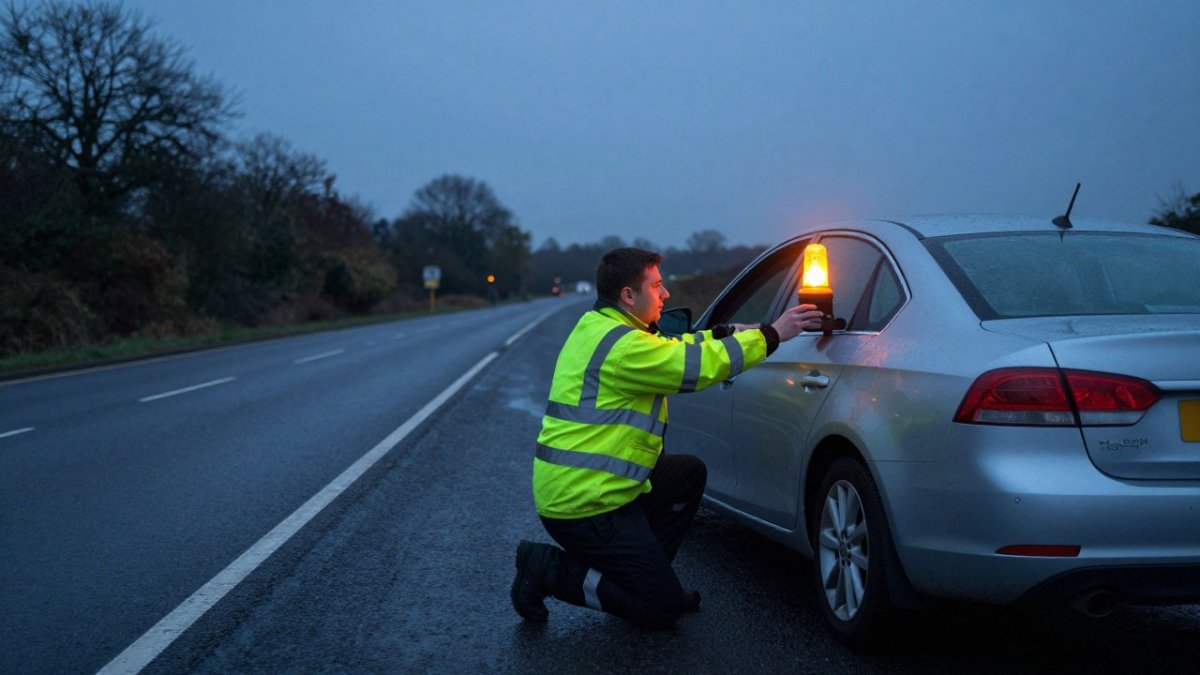
A V16 beacon is a compact, magnetically mounted amber warning light that a driver places on the roof of a stationary vehicle. It flashes a bright 360-degree signal so that approaching traffic can see a breakdown from a distance.
The main reason for the switch is safety. Placing a warning triangle means walking onto the carriageway, often on a bend or the crest of a hill, where drivers may not react in time.
When comparing V16 beacons by features, start with four questions: Is the device certified for your market? Does it include geolocation? How long does the battery last? And does it connect to a network? The sections below take each of these in turn, so you can compare models on the same terms.
DGT-Approved V16 Beacon: How to Verify Certification
Certification is the first filter. A beacon that is not approved for your market may not satisfy the rules, so check approval before you compare any other specification. Buyers in Spain should look for DGT 3.0 approval, and the approval should appear on the product or its documentation.
To verify a device, check three things. First, confirm the approval marking on the unit and match it with the manufacturer’s documentation. Second, check that the model name and serial details on the packaging agree with the certificate. Third, buy from a supplier that can answer questions about approval for your specific vehicle and use.
Watch out: a box that says “compliant” is not proof of certification. Ask for the approval reference before you buy, and keep the paperwork in your vehicle.
Feature Comparison Table: Key V16 Beacon Specifications
Most buying guides tell you which features matter. Fewer show you how to compare models on identical criteria, and almost none explain how to verify the numbers a manufacturer prints. This section gives you a neutral comparison framework you can apply to any V16 beacon, plus a repeatable method for testing the claims that matter most.
The comparison matrix
Score every model you shortlist against the same rows. Use the product page, the specification sheet and, where possible, the device itself. Leave a cell blank rather than guessing.
| Criterion | What to record | How to verify it |
|---|---|---|
| Approval | Approval marking, certificate reference, model and serial match | Check the marking on the unit against the certificate and packaging; ask the supplier for the approval reference in writing |
| Light output | Stated visibility distance, flash pattern, 360-degree coverage | Compare stated figures on the same basis; check whether the figure is for daylight, dusk or darkness |
| Runtime | Operating duration on a full charge, and whether that assumes continuous flashing | Look for a stated test condition; a continuous-flash figure is the more conservative comparison |
| Power source | Battery type, whether replaceable or sealed, charging method and time | Check whether the battery is user-replaceable and what a replacement costs |
| Connectivity | Connected or non-connected, network type, whether a subscription is required | Ask the supplier directly; confirm what happens when coverage is absent |
| Geolocation | GPS or network-based positioning, update frequency, what data is transmitted | Confirm what is sent, to whom, and for how long it is retained |
| Mounting | Magnet strength, base footprint, roof curvature tolerance | Test on your own vehicle roof; a flat roof and a curved roof behave differently |
| Housing | Sealing rating, operating temperature range, UV resistance | Check the stated ingress protection rating and the temperature range |
| Warranty | Period, what is covered, who honours it | Read the terms; battery wear is often excluded |
| Total cost | Purchase price, battery or charging cost, any data plan, replacement timeline | Add these over your expected ownership period, not just the upfront price |
How to weight the criteria
Not every row deserves equal weight. A driver who mostly does short urban journeys has different priorities from someone covering long motorway distances at night. A practical weighting is:
- Approval first. A device that is not approved for your market fails the first filter regardless of how well it scores elsewhere.
- Visibility and runtime next. These determine whether the beacon actually does its job during a wait.
- Mounting and housing after that. Stability at speed and resistance to rain and cold decide whether the device stays useful.
A repeatable test you can run yourself
Manufacturers’ figures are usually measured under favourable conditions. You can build a fairer picture with a simple home test:
- Charge the beacon fully and note the start time.
- Switch it on in its normal flashing mode and leave it running in a cool, shaded spot.
- Check it at intervals and record when the light first dims noticeably and when it stops.
- Repeat once in a warmer spot to see how temperature affects runtime.
- Mount it on your roof and check stability by hand before relying on it at speed.
This will not replicate a laboratory, but it gives you a like-for-like runtime figure for every model you test, which is more useful than comparing inconsistent marketing claims.
Watch out: a stated visibility distance measured in darkness can look impressive but tell you little about how the beacon performs in low sun or heavy rain, so compare figures only when the test conditions match.
V16 Beacon with Geolocation: What the GPS Feature Actually Does
Geolocation lets the beacon send its position while it is active. This can help recovery services locate a stranded vehicle more quickly, which matters most when the driver is injured or disoriented and cannot describe their location.
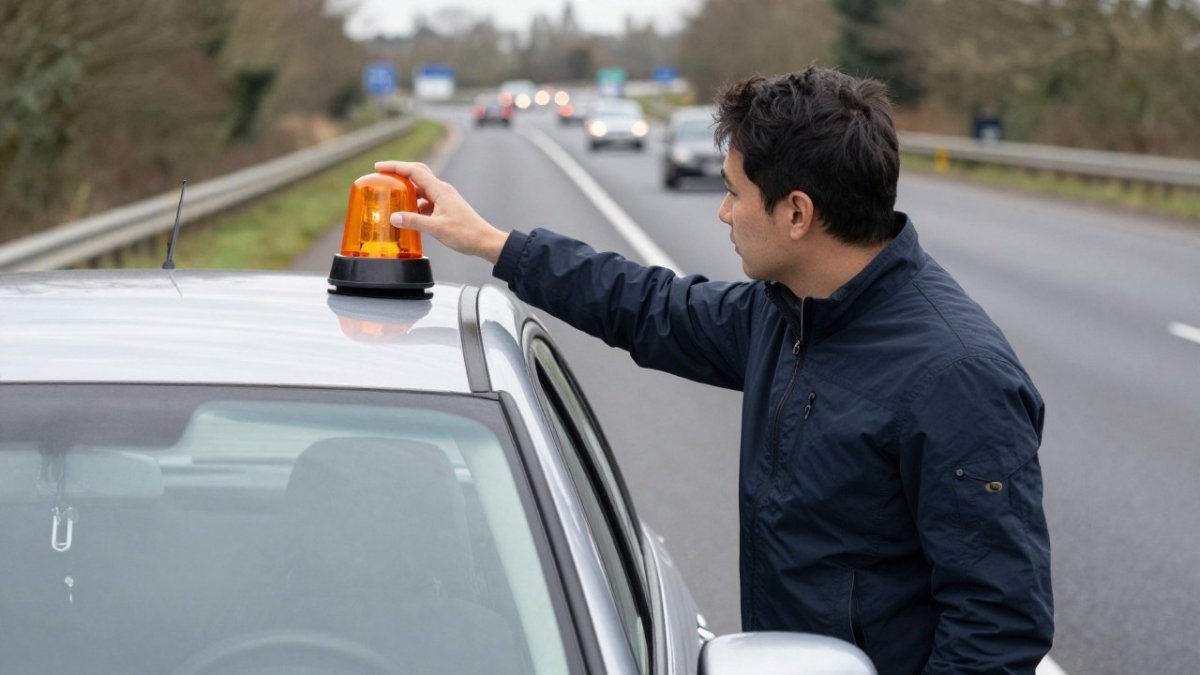
It is worth being precise about what this feature does and does not do. It transmits a location signal; it does not replace a phone call to emergency services.
V16 Beacon Battery Life, Visibility and Weather Performance
Battery life determines how long the light stays on, and that matters on a motorway shoulder where you may wait a long time for help.
Visibility and weather performance deserve the same scrutiny. A beacon should remain clearly visible in rain, fog and darkness. Look for a stated visibility distance, a sealed housing rated for wet conditions, and a light output that suits low-light use.
Connected vs Non-Connected V16 Beacon: Data Plans, Privacy and Cost
The connected versus non-connected decision is where most comparisons stop at a one-line summary. In practice it is the choice with the biggest effect on running cost, on what data leaves your vehicle, and on how much help recovery services can give you. This section breaks it down.
How connectivity actually works
A connected beacon carries a mobile data module, usually a SIM or embedded eSIM, that sends a location message to a back-end service while the device is active. That service then makes the position available to the relevant response channel. A non-connected beacon has no data module: it flashes, and nothing more.
The practical consequences follow from that difference:
- Coverage. A connected beacon depends on mobile network coverage at the roadside. In a deep cutting, a tunnel or a remote stretch with weak signal, the location message may not get through. A non-connected beacon is unaffected because it transmits nothing.
- Subscription. Some connected devices include connectivity in the purchase price for a period; others require an ongoing data plan. Ask the supplier which model applies and what happens when any inclusive period ends.
- Update frequency. How often the position refreshes varies between devices. A more frequent update gives a fresher location but uses more power and data.
- Fallback. Confirm what the device does when it cannot connect, whether it retries, stores the last position, or simply keeps flashing.
What data is shared, and with whom
A connected beacon shares location data, and possibly device identifiers, with the service operator behind it. Before you buy, ask four questions:
- What exactly is transmitted, position only, or position plus speed, heading or device identity?
- Who can access it, the response service only, or the manufacturer and its partners as well?
- How long is it retained after the incident ends?
- Is it linked to you personally, or is it pseudonymous?
A non-connected beacon shares nothing, which is its main privacy advantage. If you want the location benefit without an ongoing relationship with a service operator, look for a device whose data handling is clearly described in its documentation rather than only in marketing copy.
Total cost of ownership
Upfront price is the least useful number on its own. Build a simple ownership estimate over, say, three years:
| Cost line | Connected | Non-connected |
|---|---|---|
| Purchase price | Usually higher | Usually lower |
| Data plan | May be included for a period, then chargeable | None |
| Battery or charging | Recharge cost; replacement battery if sealed | Recharge cost; replacement battery if sealed |
| Replacement timeline | Shorter if the data module or battery degrades | Longer, as there is less to fail |
| Warranty cover | Check whether connectivity faults are covered | Check battery wear exclusions |
Add the lines that apply to your shortlist and compare the totals rather than the headline prices. A cheaper non-connected unit can work out more expensive if you replace it sooner; a connected unit can cost more over time if the data plan is chargeable after the first year.
Which suits which driver
- Occasional urban and suburban driving. A non-connected beacon keeps things simple: no plan, no data sharing, lower upfront cost.
- Frequent motorway and long-distance driving. Connectivity earns its keep when you may be stranded somewhere hard to describe, provided coverage is good on your usual routes.
- Fleet use. Connected devices make more sense when a central team needs to know where a vehicle has stopped, but factor the per-vehicle data cost into the fleet budget.
Watch out: a device described as connected is not automatically transmitting to the response service you expect, confirm which service the data reaches and whether that service operates on the routes you drive.
Choosing the Right V16 Beacon and Next Steps for Your Vehicle
Start with certification, then compare geolocation, battery life, visibility and connectivity using the table above. Decide which features your driving actually needs, rather than paying for everything. A commuter who rarely breaks down has different needs from a fleet manager with many vehicles.
Roadflash offers DGT 3.0 compliant emergency beacons with GPS geolocation and high-visibility lighting, designed for drivers who want reliable warning on busy roads.
Frequently Asked Questions
What features should I compare when choosing a V16 beacon?
Compare DGT approval status, whether the device includes geolocation and connectivity, the rated battery life and operating duration, the visibility distance of the amber light, its magnetic base and roof placement, and weather resistance. Check each specification against the manufacturer’s current product details, and confirm how the beacon is certified rather than relying on marketing claims. Prices and availability vary, so check Roadflash’s website for current pricing or a quote.
Does a V16 beacon need GPS geolocation?
Geolocation is not the only thing that makes a beacon useful, but it matters when a driver is injured or disoriented and cannot describe their position. A beacon with GPS or connected location transmission can help emergency services find the vehicle more quickly. Non-connected beacons still provide the amber warning light visible from a distance. Decide based on how often you drive on motorways and whether you value location reporting.
How can I check whether a V16 beacon is DGT-approved?
Look for the DGT approval marking on the device and in its documentation, then confirm the model against the manufacturer’s stated certification. Ask the seller for the approval reference if it is not printed on the product. Certification details can change, so check the current requirements before buying. Roadflash lists its DGT 3.0 compliant emergency beacons on its website, where you can confirm the specific model you are considering.
Is a V16 beacon mandatory in Spain?
Spanish rules on emergency warning devices are set by the DGT, and drivers should check the current requirements with the DGT before relying on this guidance. Requirements can change, so confirm the latest rules with the DGT before relying on this guidance. Anyone driving in Spain should verify compliance for their specific vehicle type and registration.
